

2026-10-09 APP 2.0.0-beta48 has been released !
This is mainly a bug fix release for the reported bugs in beta47. In addition it has a significant User Interface performance improvement noticable when you need to process 1000s of images in APP.
2026-10-03 APP 2.0.0-beta47 has been released !
This is a very big release... many code optimizations/rewrites, many parts of APP are much faster and more precise, especially star analysis and registration are much faster ! Big mosaics will go much faster 🙂
And we introduce a new preview filter, which includes the new Adaptive Deep Sky Stretch and a General Levels Stretch, this has been long over due. The old preview filter (the panel on the right side to stretch and preview your data) has not been updated for a couple of years and it is a critical part of any APP session.
Adaptive Deep Sky Stretch or ADSS is a much more intuitive stretch algorithm. It is also color preserving (which is a great new addition in itself ! ) which means that the highlights are no longer bleached, color is maintained from the linear data while stretching. You can simply stretch your data using the sky background level and signal width sliders which work much easier and more intuitive. You no longer need to fiddle with the old complicated sliders with zoom buttons. All the zoom buttons for the sliders are made redundant. And you can enter slider values in the slider value fields yourself. I will make a youtube video in the coming days to explain and fully introduce ADSS. Once the video is ready, it will be highlighted on the forum.
RGB Combine upgrade !. The RGB Combine Tool has been rewritten mostly. The tool is faster and easier to use and most importantly, the Luminance slider to inject a luminance channel or channels into the RGB composite is now working correctly. It no longer bleaches the RGB colors. Combined with the new ADSS preview, you will get much better and easier great composites with great color! I will also explain this in a new youtube video.
I'm having a hard time getting flat field calibration when using a Canon 6Da + 70-200 f/2.8 stopped down to f/4 or a 135 F/2 stopped down to 2.8 or even 3.2.
I created a folder with a MD, MB, 15 lights and 20 flats if anyone can try and help me out plz!
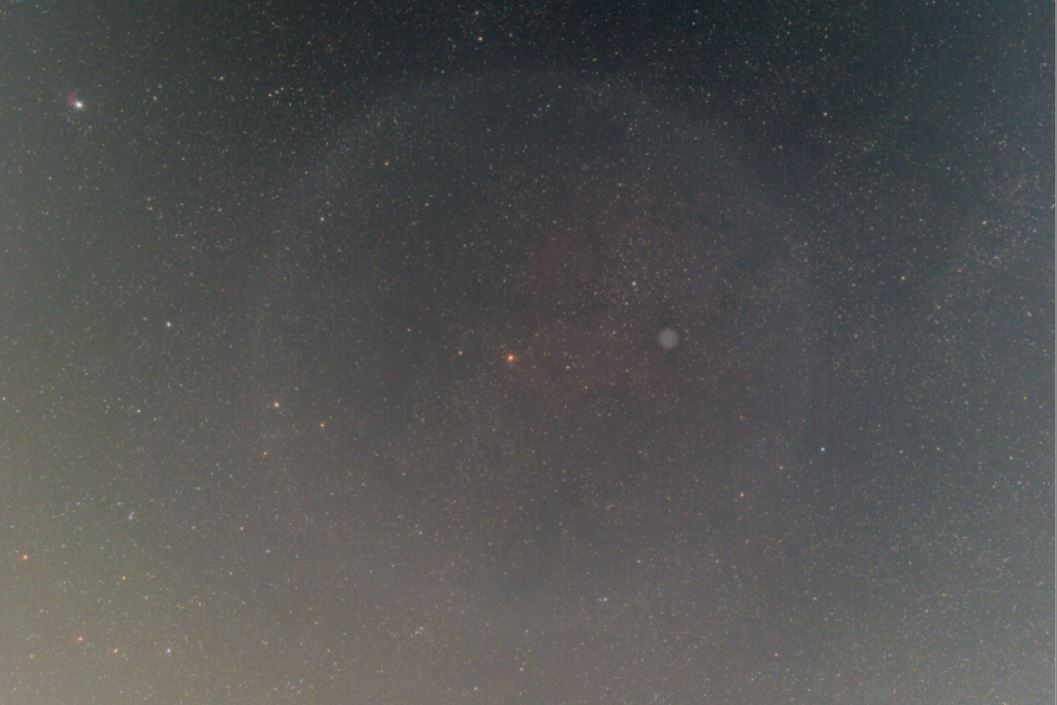
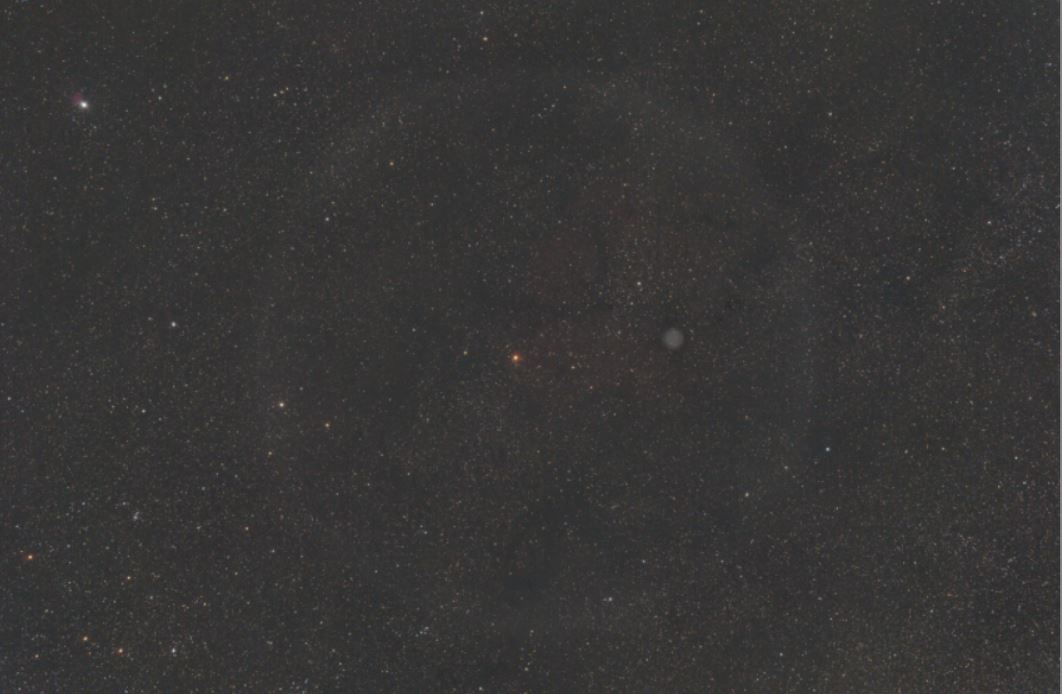
That looks really strange indeed. Exactly how are you taking you flats, do you use special software (like SGP) to take them, what are your settings etc. I'll have a look at your data as well.
@vincent-mod
AV mode with BYEOS. I put the flats in the Dropbox link.
@vincent-mod
Triple layer of diffusion fabric stretched over lens with rubber band. Lens pressed against flat white laptop screen. Same f/4 but lower ISO which shouldn’t matter.
Ah ha! I had the exact same problem. Let me guess, you have a light pollution filter screwed onto the end of your lens. The problem is created by stray light. I corrected it by making a lens hood out of black felt and extended quite a bit beyond the end of the lens - acts as a good dew shield too, when getting the lights. I take my flats by pointing to a dusk sky and one needs a lot of light baffle to prevent stray light. If you are using the t-shirt method, it may have something to do with where you put the t-shirt and if you have a filter or not. I found with the t-shirt method, you cannot have a dew shield and probably not a LP filter at the end of the lens.
I am not using any filters Best they can cause reflections on bright stars but I am using the lens hood. For flats I have to remove the hood. I’ll try and do some tests without using the lens hood. Good point thanks
Ok, I'll get to your data tomorrow. Flats do indeed need to be taken in the exact same conditions as your lights so that hood difference might affect it. Keeping the focus exactly the same is important too, I can imagine the lens focusring shifting a little bit easily.
Good point on the focus, I’ll tape the focus next time.
ps. I had a look at your data and it looks like the flats are working actually, I'm now suspecting stray light maybe in your lights. And this is more likely as I look closer, trying without flats and then to get the gradient gone, APP clearly is unable to do so as there is no normal gradient. This is almost always the case with light coming into your lens from e.d. a light somewhere in a corner or so.
Hi Robert @huerbsch (& @vincent-mod),
Were you able to solve your flat issue in the mean time?
I would think your issue is caused by either:
- stray light entering your light and your flats in different amounts...
- not shooting the flats with the exact same optical train as the lights. The circle illumination pattern actually might have to do with the lens hood being there or not in the optical train and/or the pressing as mentioned : "Lens pressed against flat white laptop screen"
Kind regards,
Mabula
Thanks everyone, I will try your recommendations and report back.
