I have had a very rough 2 months unfortunately health wise. I was struck 3x in a row with bacterial infections. The second infection occurred after a routine hospital checkup and I became very sick. I had to rest and take a lot of antibiotics. Once I was recovering and restarting work 1 month ago, I again became sick. The infection was not yet gone, so even more antibiotics and rest was needed. Needless to say, it took a lot of my energy and I needed a lot of rest.
Finally, the infection is really gone and my energy is coming back step-by-step now and I have started work again. I am terribly sorry to have kept you waiting for support. I will address all outstanding questions and e-mails step-by step and will be on the forum daily from today.
APP 2.0.0-beta47 will come soon as well, a lot of work was already completed before I became very ill, so the release is also nearly ready for you. Beta47 will be much faster actually. Many workflows will be more than 2x faster, mosaics can even be 10x faster than before because registration really received a major boost... all compared to beta46. Before I release it, I will make sure that everything is working properly and then I will release it.
I have four sets of images to process. The first three went very well. No issues. Using, what I believe are the same settings, this last set is very grainy and all the stars have halos. Looks terrible. Am I missing a setting somewhere. I have gone through it three or four times, thing I hit something I shouldn't have but nothing is jumping out at me.
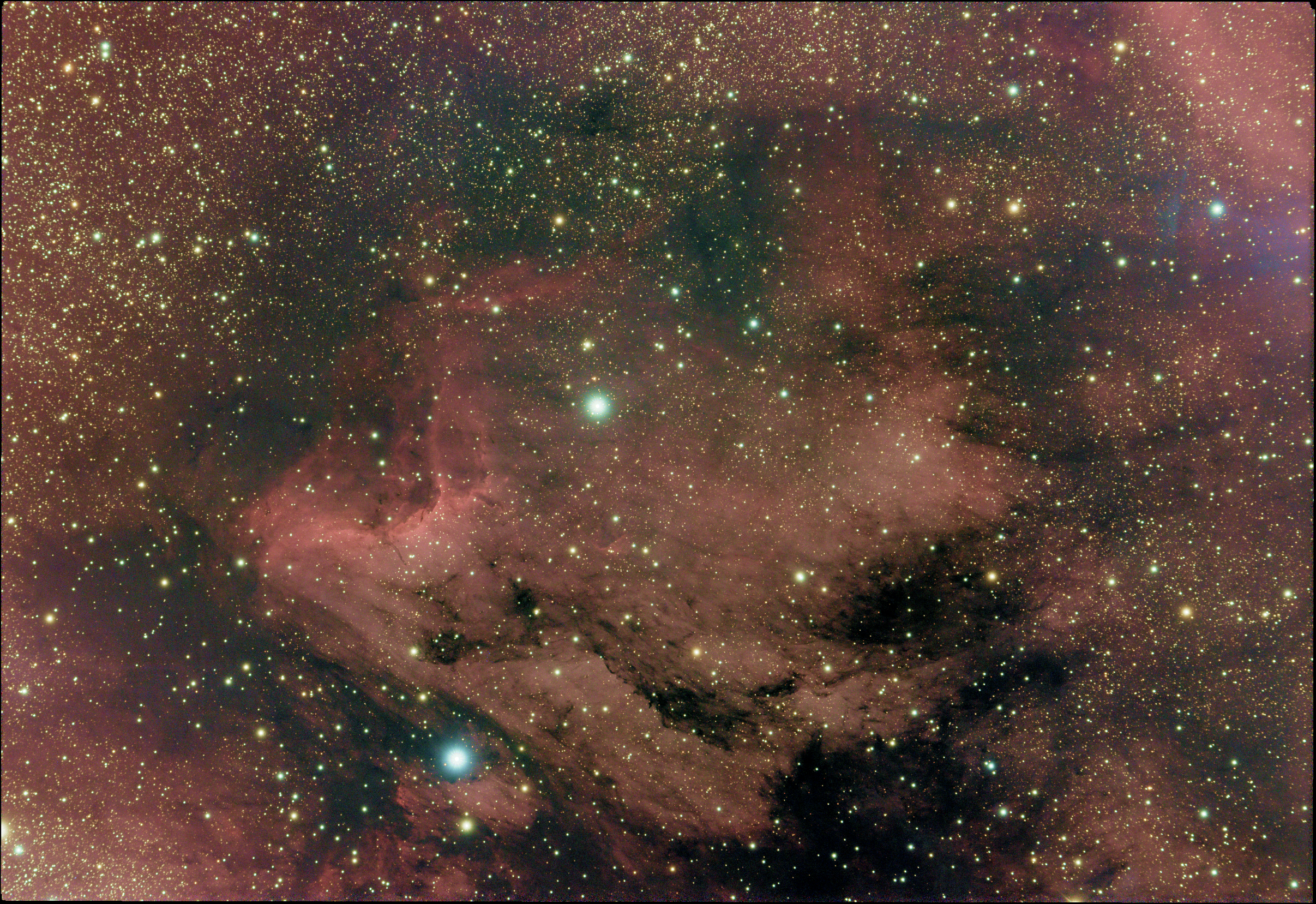
this integration is 59 3 minute subs of the pelican. Taken with 80mm stellarvue scope and ASI 294mc Pro.
I have attached a jpg of what I'm seeing immediately after integration.
This is very strange. I don't think my previous reply went through. I had five sets of data to process. All using the same calibration frames. The first three were fine. no issues. It was this one that produced the worse. This morning I processed the final set and did not have the same artifacts but had different artifacts are stars and brighter portions of the nebula.
I'm really wondering if I tweaked a setting that is being retained and I should just reset. Is there a way to reset all the settings back to "factory default" and I try again?
Well, as APP doesn't have stored settings, just the "factory settings" it's already there each time you start. Saving the settings will come in a future update, but in your case that's not the problem. This must be in the data, I can have a look if you want. You can share you calibration masters and some problematic subs to me on the APP server, login/password: appuser Please create a directory with your name on it and add it there. Thanks!
I have four sets of images to process. The first three went very well. No issues. Using, what I believe are the same settings, this last set is very grainy and all the stars have halos. Looks terrible. Am I missing a setting somewhere. I have gone through it three or four times, thing I hit something I shouldn't have but nothing is jumping out at me.
this integration is 59 3 minute subs of the pelican. Taken with 80mm stellarvue scope and ASI 294mc Pro.
I have attached a jpg of what I'm seeing immediately after integration.
That looks very odd... it would be very helpfull if Vincent and me could have a look at this dataset.
Without looking, my biggest suspicion would be that there is something happening with your star shapes, diffractions and the use of Winsor Sigma Clipping. Winsor Clipping is known for artefacts around star borders, and it seems this is happening here, only very extreme.... it looks really odd.
My sincere apologies for the very late reply. You mentioned the winsor sigma clip. That is exactly what I selected. I went back and processed again but this time did the straight sigma clip and it turned out fine. I'm not not to include all the source, that was going to be a massive upload and I had no easy place to put it. I have attached the new image after selecting sigma clip.