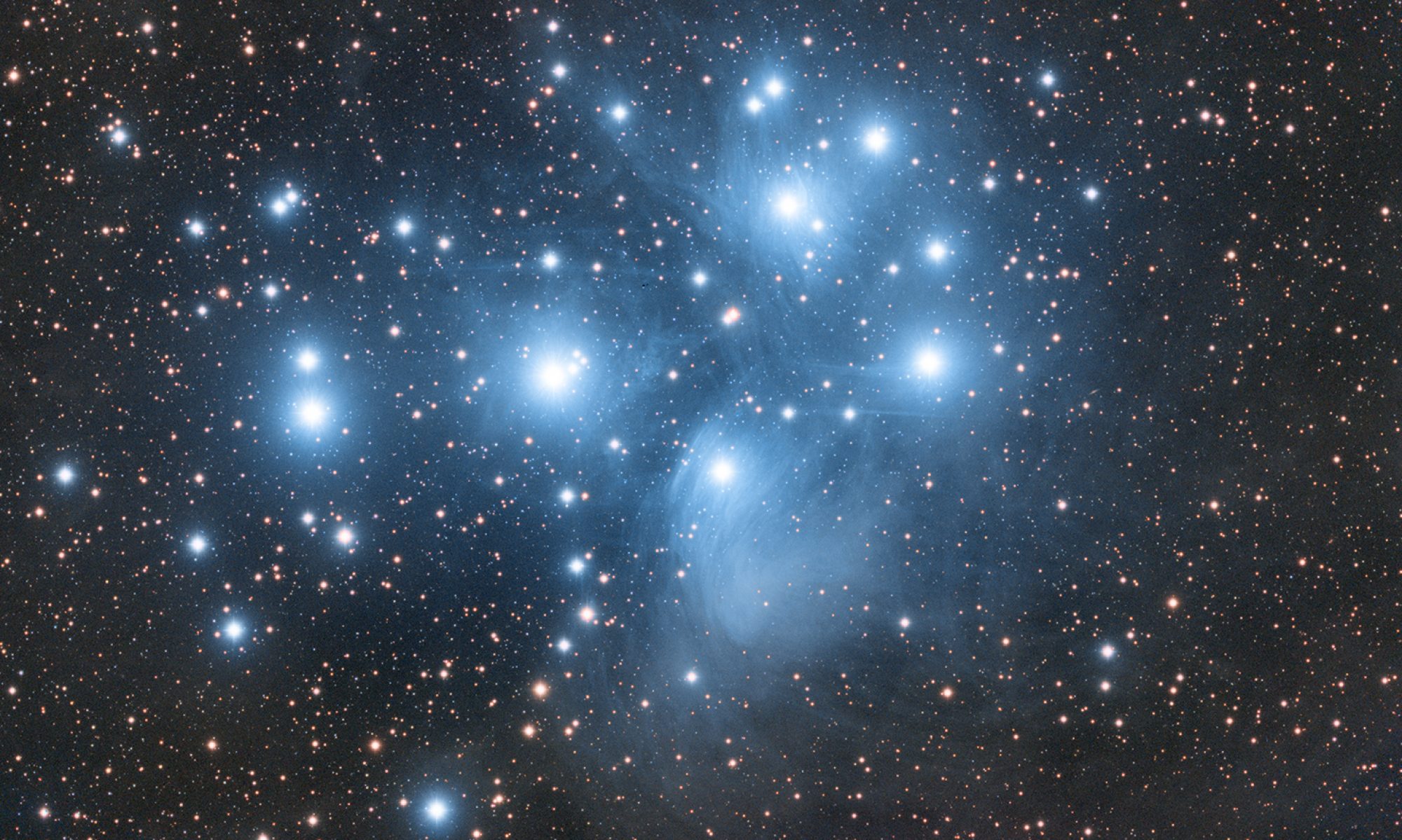
This is mainly a bug fix release for the reported bugs in beta47. In addition it has a significant User Interface performance improvement noticable when you need to process 1000s of images in APP.
2026-10-03 APP 2.0.0-beta47 has been released !
This is a very big release... many code optimizations/rewrites, many parts of APP are much faster and more precise, especially star analysis and registration are much faster ! Big mosaics will go much faster 🙂
And we introduce a new preview filter, which includes the new Adaptive Deep Sky Stretch and a General Levels Stretch, this has been long over due. The old preview filter (the panel on the right side to stretch and preview your data) has not been updated for a couple of years and it is a critical part of any APP session.
Adaptive Deep Sky Stretch or ADSS is a much more intuitive stretch algorithm. It is also color preserving (which is a great new addition in itself ! ) which means that the highlights are no longer bleached, color is maintained from the linear data while stretching. You can simply stretch your data using the sky background level and signal width sliders which work much easier and more intuitive. You no longer need to fiddle with the old complicated sliders with zoom buttons. All the zoom buttons for the sliders are made redundant. And you can enter slider values in the slider value fields yourself. I will make a youtube video in the coming days to explain and fully introduce ADSS. Once the video is ready, it will be highlighted on the forum.
RGB Combine upgrade !. The RGB Combine Tool has been rewritten mostly. The tool is faster and easier to use and most importantly, the Luminance slider to inject a luminance channel or channels into the RGB composite is now working correctly. It no longer bleaches the RGB colors. Combined with the new ADSS preview, you will get much better and easier great composites with great color! I will also explain this in a new youtube video.
[Solved] Stacking Vespera Pro Images from Dual-Band filters to Create a SHO (Bubble) Image
I've been working on stacking images of the Rosetta Nebula from two imaging sessions on January 24th and 25th. I've noticed a significant difference in the results depending on the stacking method. Stacking the final TIFF files produced by the Vespera Pro yielded a much-improved image compared to stacking the individual 1178 sub-exposures in APP. The stacked image generated using the Vespera Pro stacked session Tiff was superior to my attempt at stacking 1178 subs. I'm sharing the final outputs from both workflows for your comparison. I'm hoping you can offer some insights into how I could improve my processing workflow to achieve results comparable to Vespera's output. I would appreciate any guidance.
I have to say, I think APP has done a better job. I have no association with APP - I'm just a user like yourself. Its just that the Vespera image has post processing that has not yet been done to the APP image.
I don't mean to offend, but the Vespera image has been stretched more strongly, has too much saturation, and looks like it has had some noise reduction applied.
I copied your pasted APP image and spent 2 mins boosting the stretch, saturation and contrast and then applied some light noise reduction and got this-
What I did was quick and rough and a better job could be done. I just wanted to show that you are not really comparing images at the same stage of processing. I used Gimp (and Topaz) for these tweaks. Some of it can be done in APP, but I think many of us do final tweaks in Gimp/Photoshop or other tools.
@connor231, I follow a similar workflow to the one you described. I use Astro Pixel Processor (APP) for stacking and integration, then move to PixInsight for most of my post-processing and stretching. Final color grading, gamma adjustments, and resolution enhancement are done in Photoshop and Topaz. While the Vespera image is stretched, its color reproduction is remarkably close to the Hubble reference image, which is the look I'm also aiming to recreate.
I've been working on stacking images of the Rosetta Nebula from two imaging sessions on January 24th and 25th. I've noticed a significant difference in the results depending on the stacking method. Stacking the final TIFF files produced by the Vespera Pro yielded a much-improved image compared to stacking the individual 1178 sub-exposures in APP. The stacked image generated using the Vespera Pro stacked session Tiff was superior to my attempt at stacking 1178 subs. I'm sharing the final outputs from both workflows for your comparison. I'm hoping you can offer some insights into how I could improve my processing workflow to achieve results comparable to Vespera's output. I would appreciate any guidance.
It is like John @connor231 indicates I think. You are comparing apples with some other fruit here 😊 .
From my perspective: if I look at the Vespera image, I see a highly over-processed image with very blown out stars and a lot of information from the low lights is simply gone which I don't like nor would advise.
The APP stack result looks noisy, because the stretch from APP is too strong here for a final result. So stretch less. Furthermore, the colors can be greatly tweaked in APP by using the RGB COmbine Tool, to create the color palette that you prefer. You should see then a much improved version from APP compared to this Vespera result I would think.
Thank you for your guidance. As someone new to Astro, I'm learning something new every day. While I've been enjoying the ease of use of my Vespera, I'm also eager to start using my 8" RC telescope, which offers improved optics and an enhanced image train, as soon as the weather cooperates. I'm still working on understanding what makes a good stretch, and I appreciate your help in that area. I'll keep practicing until I get it right. My intention wasn't to compare the APP to other tools but rather to confirm that I was processing my images accurately.