

2026-10-09 APP 2.0.0-beta48 has been released !
This is mainly a bug fix release for the reported bugs in beta47. In addition it has a significant User Interface performance improvement noticable when you need to process 1000s of images in APP.
2026-10-03 APP 2.0.0-beta47 has been released !
This is a very big release... many code optimizations/rewrites, many parts of APP are much faster and more precise, especially star analysis and registration are much faster ! Big mosaics will go much faster 🙂
And we introduce a new preview filter, which includes the new Adaptive Deep Sky Stretch and a General Levels Stretch, this has been long over due. The old preview filter (the panel on the right side to stretch and preview your data) has not been updated for a couple of years and it is a critical part of any APP session.
Adaptive Deep Sky Stretch or ADSS is a much more intuitive stretch algorithm. It is also color preserving (which is a great new addition in itself ! ) which means that the highlights are no longer bleached, color is maintained from the linear data while stretching. You can simply stretch your data using the sky background level and signal width sliders which work much easier and more intuitive. You no longer need to fiddle with the old complicated sliders with zoom buttons. All the zoom buttons for the sliders are made redundant. And you can enter slider values in the slider value fields yourself. I will make a youtube video in the coming days to explain and fully introduce ADSS. Once the video is ready, it will be highlighted on the forum.
RGB Combine upgrade !. The RGB Combine Tool has been rewritten mostly. The tool is faster and easier to use and most importantly, the Luminance slider to inject a luminance channel or channels into the RGB composite is now working correctly. It no longer bleaches the RGB colors. Combined with the new ADSS preview, you will get much better and easier great composites with great color! I will also explain this in a new youtube video.
Good afternoon,
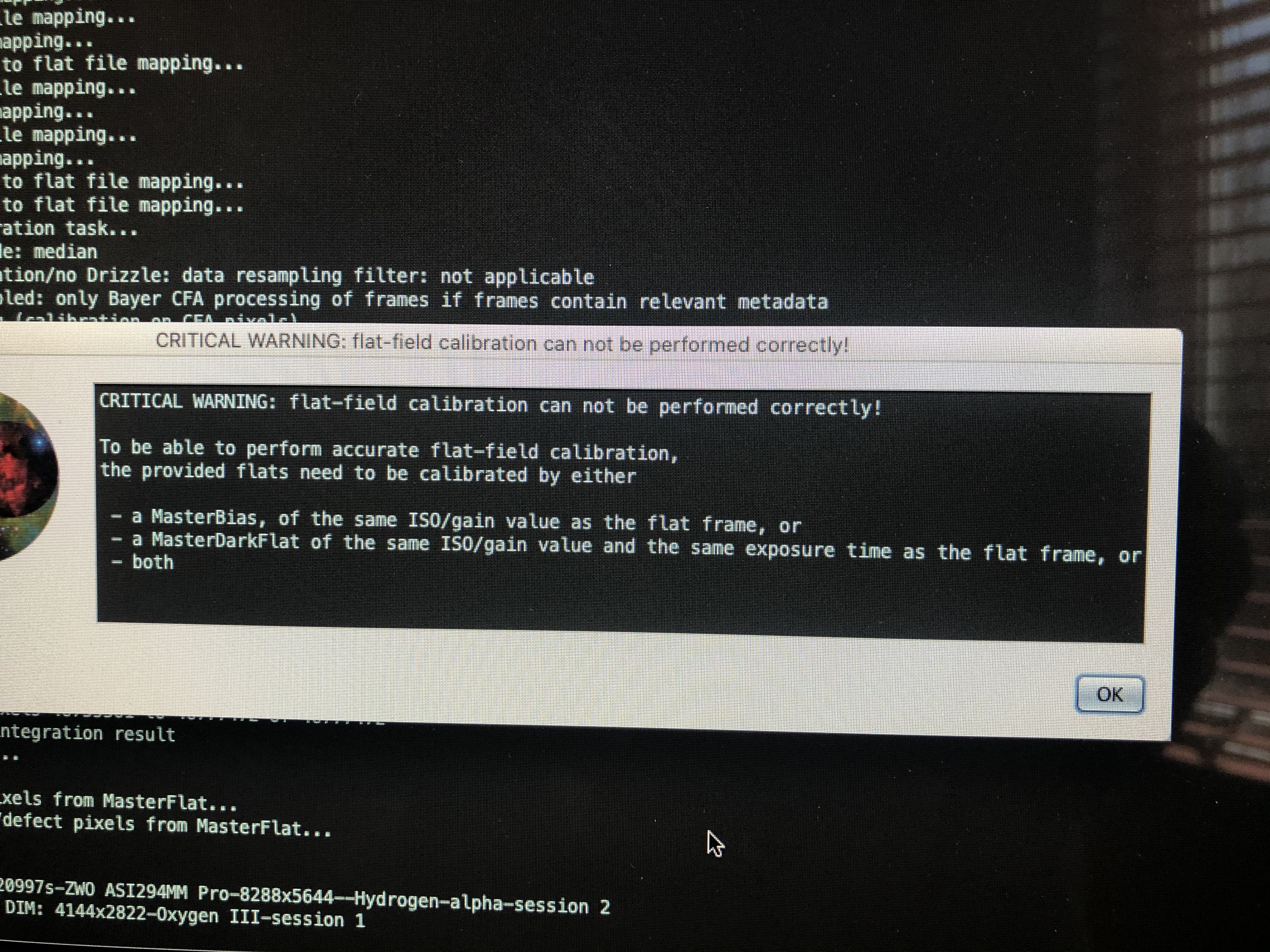
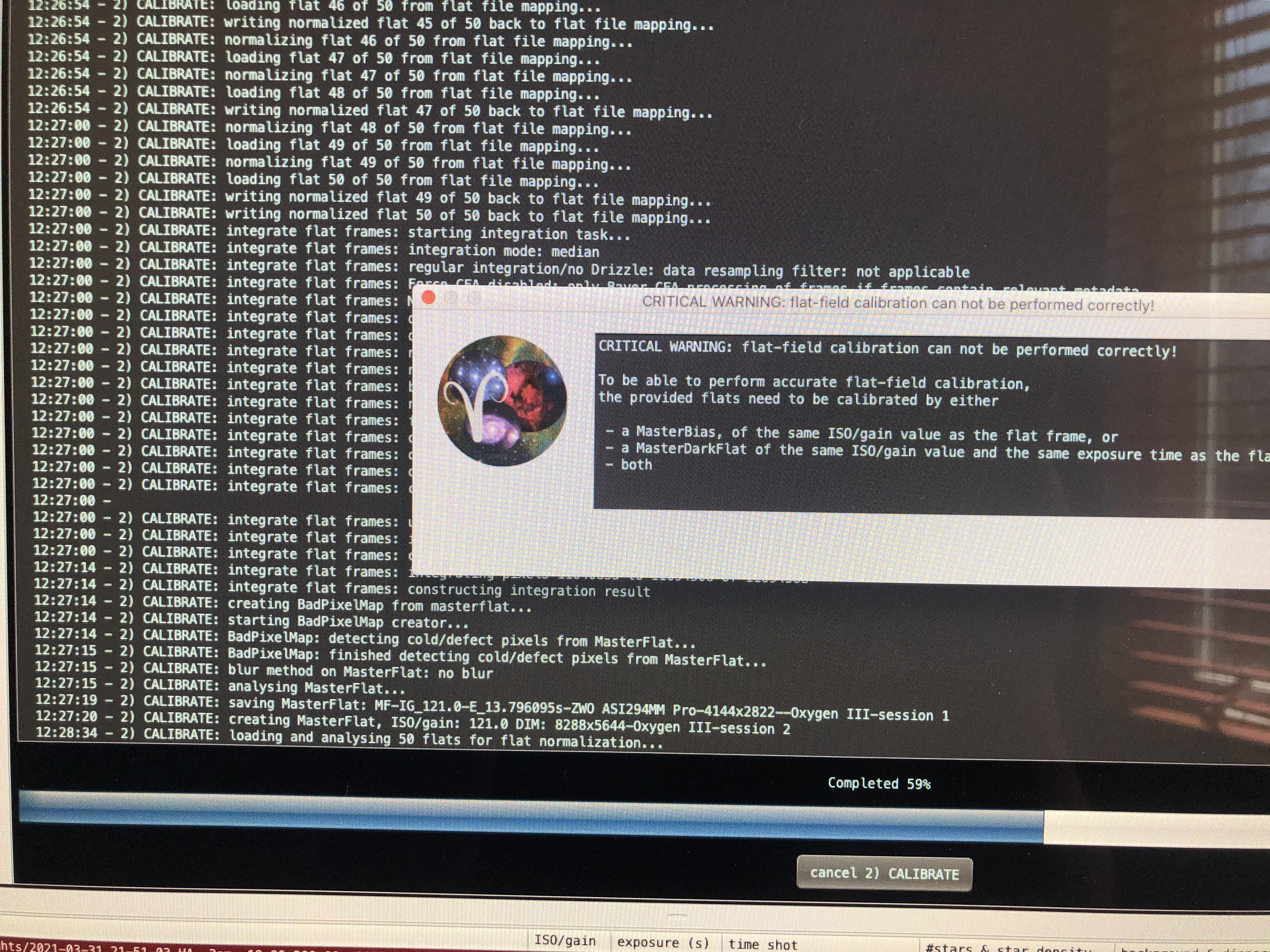
I'm trying to stack data from two different nights of the same target. This is also using narrow band filters and I used one set of darks and I took flats and dark flats for each filter on both sessions. The flats and dark flats are all done with the same gain of 121. I keep getting the following error when running the calibration. It's happened three times now, the one picture is more the message, and the other I was trying to show where in the process this is happening. From what I can tell everything is equal, gain is all matched, exposures are matched ( even though it shouldn't matter) and the sessions are matched. Im really confused, any thoughts or ideas would be appreciated. Thanks
Zach
I think I figured out my problem. It looks like I didn't set bin 2 mode in NINA for my Dark frames, or first sessions of flat and dark flats...... Doh !! .... at least I have the angles of the camera so I can set the rotator correctly and redo the calibration frames 🙂
Ok, I thought I fixed my issue, but I went back and did a redo on my flats and dark flats that had the wrong bin setting set. I did flats and dark flats for each session that I did, and I still am getting a critical error about time, iso, and gain setting and not able to calibrate flats correctly. I am not sure what I am doing wrong. Is it possible that I am using to many calibration frames ? or is it that I am using calibration frames for each session ?
Thanks
@thextra10th Hi Zachary, please upload some lights and some of each type of calibration file to
https://upload.astropixelprocessor.com
using upload4 for both username and password. Create a directory called thextra10th_calibration and we will have a look at the data.
Thank you, the files have been uploaded. I screwed up the organization of HA lights ( they are the files in the main directory instead of the session 1 Ha file folder). I uploaded 5 lights, flats, dark flats for each filter and session. I also uploaded 5 of the darks that I used for all sessions.
The whole project consistes of 66 lights @ 300 sec each, 50 Darks at 300 sec each, and 300 flats and dark flats ( 50 of each for each filter and session). The reason I did flats and dark flats for each session, is that the angle of the rotator was a tiny bit different, and it probably wasn't enough of a change to warrant that many calibration files, but I was thinking that with any change to the camera position needed its own set of calibration files. It might be (and probably is) overkill
Thank you
Zachary
@thextra10th I had a look at your data. The DarkFlats for Ha Session 2 were not shot at 2x2 binning but at 1x1 binning. Here's a screenshot of the file list after doing the calibration and you can see that the dimensions of the highlighted data are 2x higher and wider than those of the other data. I checked the rest of the files as well and only these 5 files need to be retaken.

Note that it is much easier to take a single set of DarkFlats or even just only Darks and then also shoot Bias frames so APP can scale the Darks to the exposure times of all other frames that need to be calibrated by them. Anyway, like this it works as well but you need to make sure that all images have the same dimensions 🙂
@wvreeven thank you for looking. I discovered that was my problem initially but I thought I double checked everything and I retook the calibration frames for other filters in session 2. I guess I missed the HA🤦🏼♂️.
So, just a quick follow up question, I’m using NINA and I can easily do Bias or dark flats, does APP like one over the other or is one better to use or a$ I understand it they both do the same thing
Thanks again for your help
Zach
@thextra10th For APP it doesn't matter. The Bias is used to subtract the readout pedestal from the Darks so they can be scaled to match the exposure time of the Lights and Flats. Some sensors, like the ones used in ASI2600 and ASI6200 cameras, don't produce good Bias when used that the very shortest exposure time so you need to be careful with that. Apart from that it is a matter of convenience. If you prefer to take DarkFlats at the various exposure times then by all means do that. You need to take good care to assign the DarkFlats to each filter channel and session but then you're good to go. But with all the varying exposure times for the Flats it may help to try and stick to preset exposure times so you only need a small set of DarkFlats that you can reuse.
