UPDATE FROM MABULA
I have had a very rough 2 months unfortunately health wise. I was struck 3x in a row with bacterial infections. The second infection occurred after a routine hospital checkup and I became very sick. I had to rest and take a lot of antibiotics. Once I was recovering and restarting work 1 month ago, I again became sick. The infection was not yet gone, so even more antibiotics and rest was needed. Needless to say, it took a lot of my energy and I needed a lot of rest.
Finally, the infection is really gone and my energy is coming back step-by-step now and I have started work again. I am terribly sorry to have kept you waiting for support. I will address all outstanding questions and e-mails step-by step and will be on the forum daily from today.
APP 2.0.0-beta47 will come soon as well, a lot of work was already completed before I became very ill, so the release is also nearly ready for you. Beta47 will be much faster actually. Many workflows will be more than 2x faster, mosaics can even be 10x faster than before because registration really received a major boost... all compared to beta46. Before I release it, I will make sure that everything is working properly and then I will release it.
Hi,
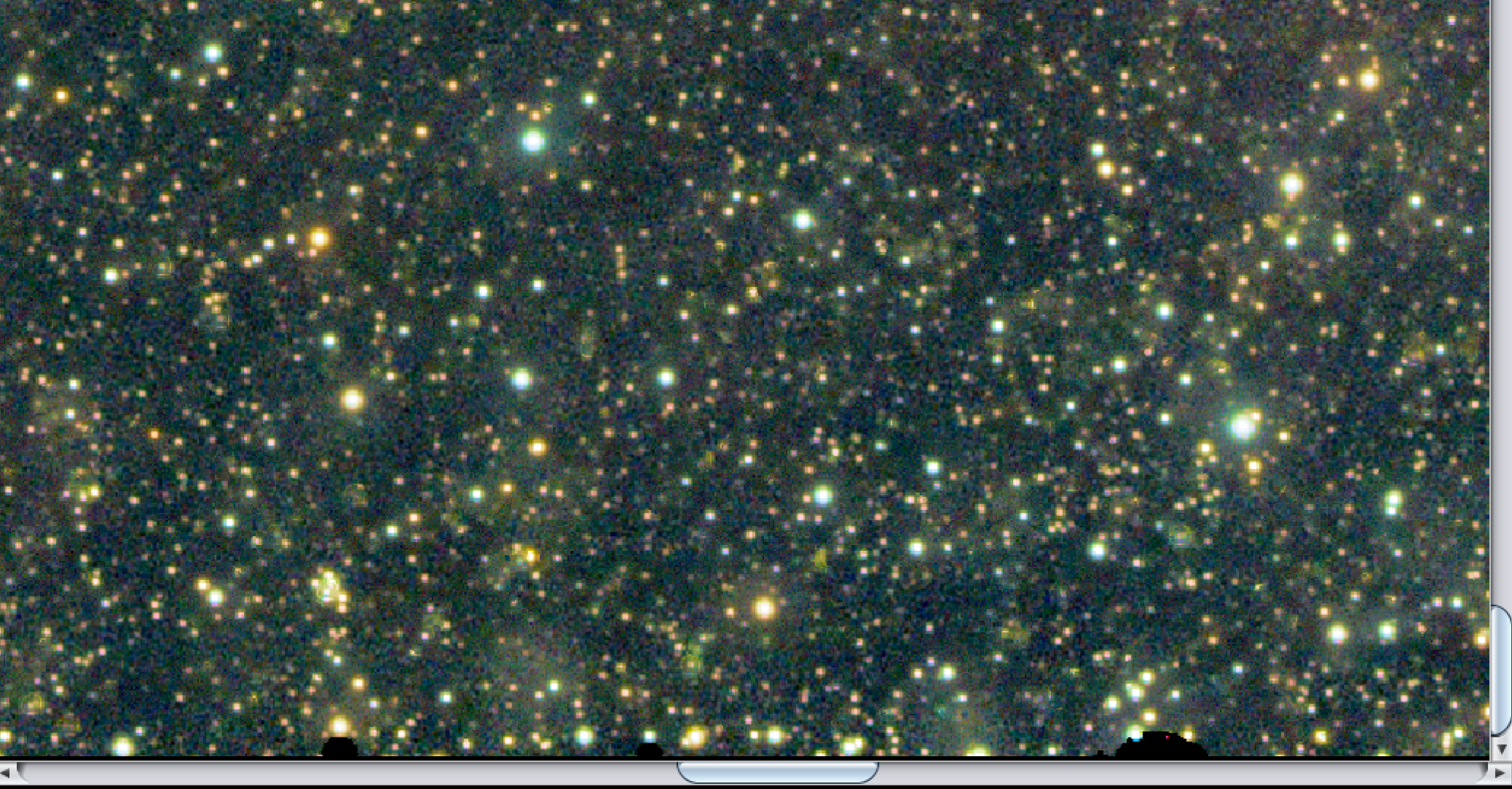
I love the star removal tool to help focus on only the target, but after working a couple of images through, there are very noticeable artifacts that look like pits in the image. These unfortunately stay with the image all through post-processing. I was able to mask/blend some of them with an inpaint/healer tool in Affinity Photo, but that creates its own visual issues, given the number of artifacts, especially in brighter regions of the data.
Is there a good way to deal with these, or perhaps a better practice when removing all the stars? The attached image is the initial stretch of the data once exported from APP as 32-bit float FIPS.
Thanks, John

Well, I don't think there is in APP itself other than choosing to reduce stars instead of removal. It's not perfect yet, itis a very difficult thing depending on the data usually (e.g. if there is a very star dense field). We will of course work on improving it.
I've seen the same issue using .83 beta when increasing the threshold setting too much. I just downloaded the most recent version and it seems to work well.
Mike
It turns out that the star reduction does leave some artifacts behind, but only at the bottom of the image. This can be cropped out and only affects the bottom 20-30 pixels. Other than this small problem, the star reduction works very well, much better than Startools.