
UPDATE FROM MABULA
I have had a very rough 2 months unfortunately health wise. I was struck 3x in a row with bacterial infections. The second infection occurred after a routine hospital checkup and I became very sick. I had to rest and take a lot of antibiotics. Once I was recovering and restarting work 1 month ago, I again became sick. The infection was not yet gone, so even more antibiotics and rest was needed. Needless to say, it took a lot of my energy and I needed a lot of rest.
Finally, the infection is really gone and my energy is coming back step-by-step now and I have started work again. I am terribly sorry to have kept you waiting for support. I will address all outstanding questions and e-mails step-by step and will be on the forum daily from today.
APP 2.0.0-beta47 will come soon as well, a lot of work was already completed before I became very ill, so the release is also nearly ready for you. Beta47 will be much faster actually. Many workflows will be more than 2x faster, mosaics can even be 10x faster than before because registration really received a major boost... all compared to beta46. Before I release it, I will make sure that everything is working properly and then I will release it.
Hello
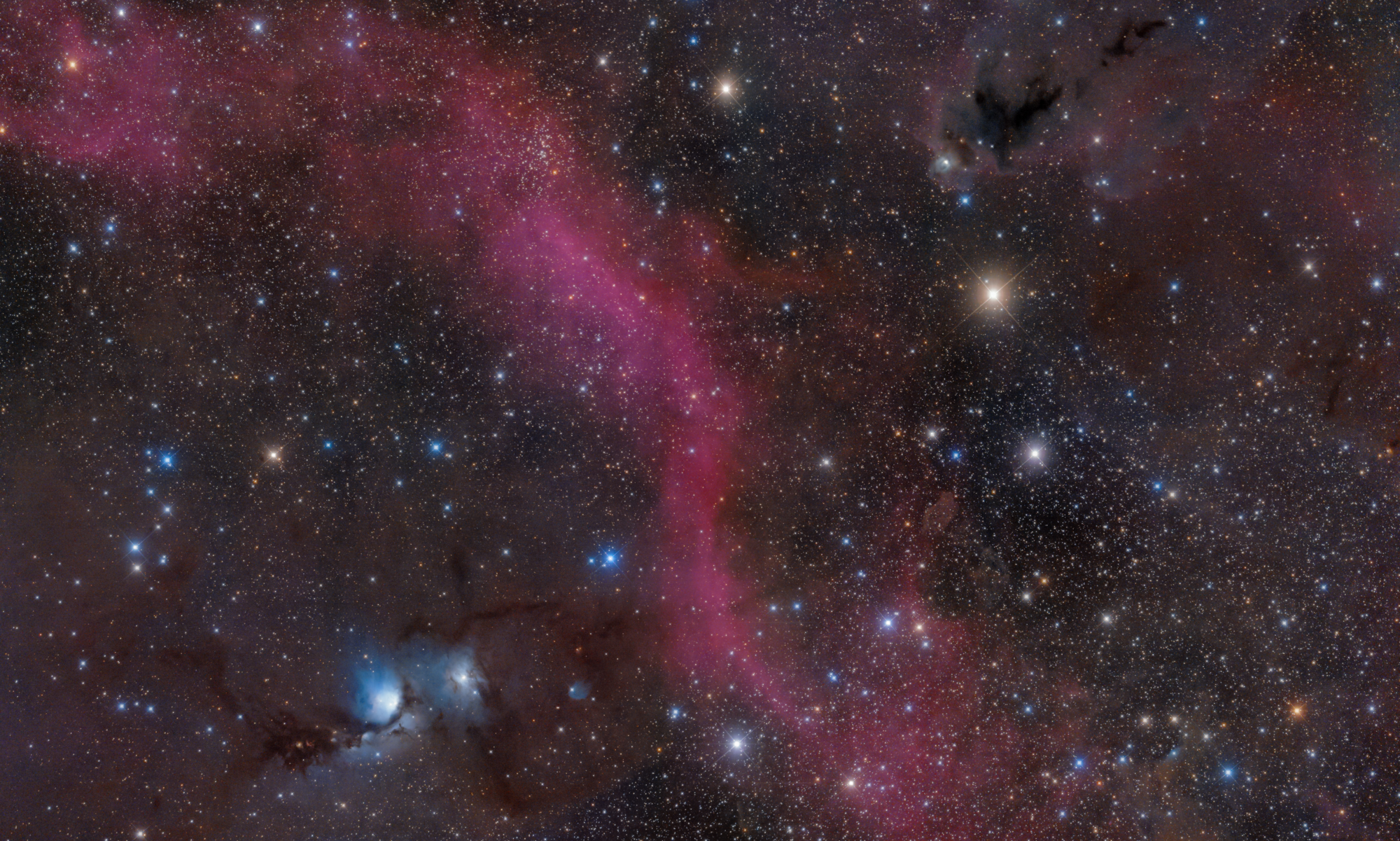
I used the Star Collar Calibration Tool for the first time. The image is at that time.
I am not understood by the following point. I'm glad if I get advice from someone.
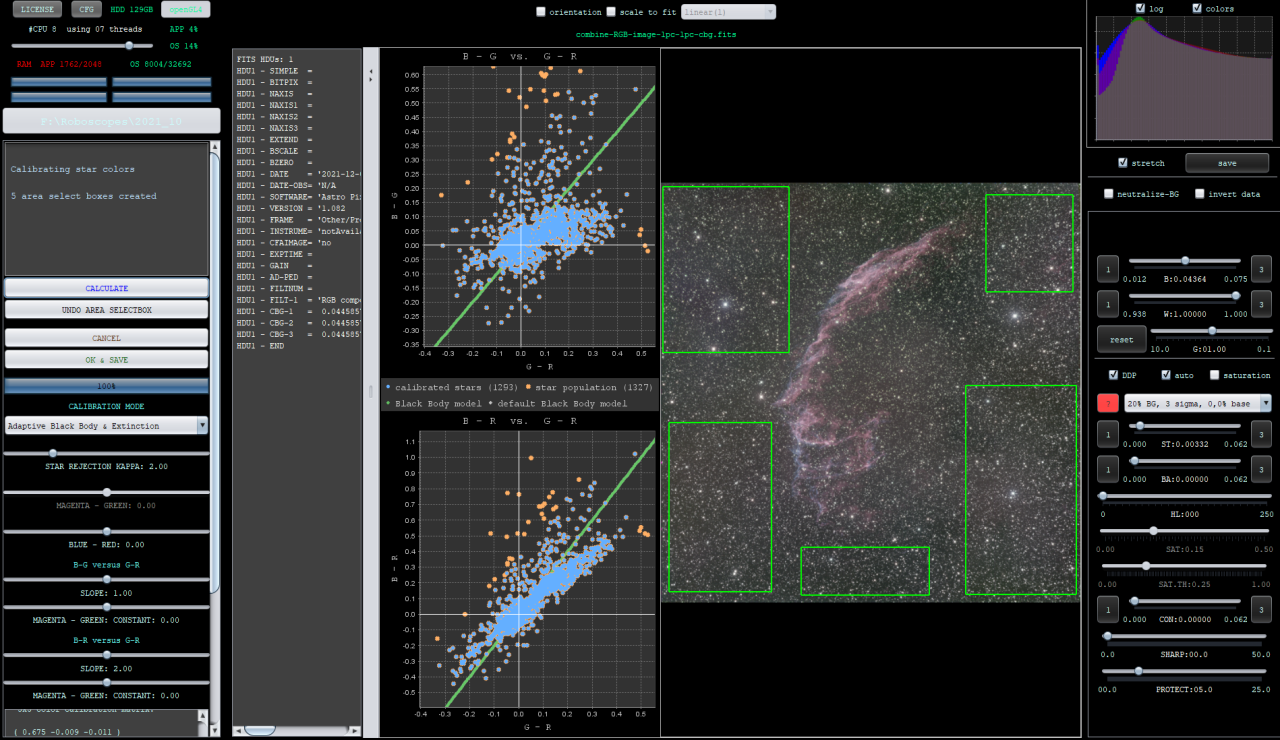
1. What are the graphs propose to me?
I understand that it represents the distribution of stars
2. What I make a basis of adjustment of BLUE-RED SLIDER, B-G VERSUS G-R, B-R VERSUS G-R ?
Thank you
I would advice to have a look at these video's by Christian Sasse: https://www.astropixelprocessor.com/complete-lrgb-tutorial-of-ngc292-the-small-magellanic-cloud-by-christian-sasse-itelescope-net-new-version-app-1-081/
Bit further down he works with this tool. It basically shows you the distribution of detected stars and their color profile, it assumes stars are black bodies which will have a very well defined profile. You would want to see the stars following this black body model well, which is diagonally in the graphs and you can tweak this using the sliders a bit, like the slope etc.
One caveat though is that this only works well with broad spectrum data, not narrowband.
@vincent-mod
Hello Vincent
I had a look at these video's by Christian Sasse.
I understood that the graphs do not just propose a proper color, but simply shows the color distribution of the stars.
Does I make the stars red or blue are decided by my subjectivity or sensitivity?
The graphs change by changing Slope, but how can I determine if the Slope value is appropriate or not?
Thank you
Yes it's color distribution and you expect stars to be more or less on the line of the model, less blue stars on the bottom left, more red on the top right. These are known spectra and not subjective. If your stars are not behaving like that in your image, that means you either used filters or other things that change the spectra observed. This is why narrowband data doesn't produce this known characteristic and therefore the tool can't really be used for an accurate correction. When you do have broadband data, then you can. You can change the slopes a bit so that the distribution of the stars follows the black body model a bit better. You can see Christian doing this at about the 16:00 mark.
My image is a broadband, so I think it is suitable for this tool.
"You Can Change The Slopes A Bit So That The Distribution of the Stars Follows The Black Body Model A Bit Better."
I try to change the slope so that.
Thank you
