

UPDATE FROM MABULA
I have had a very rough 2 months unfortunately health wise. I was struck 3x in a row with bacterial infections. The second infection occurred after a routine hospital checkup and I became very sick. I had to rest and take a lot of antibiotics. Once I was recovering and restarting work 1 month ago, I again became sick. The infection was not yet gone, so even more antibiotics and rest was needed. Needless to say, it took a lot of my energy and I needed a lot of rest.
Finally, the infection is really gone and my energy is coming back step-by-step now and I have started work again. I am terribly sorry to have kept you waiting for support. I will address all outstanding questions and e-mails step-by step and will be on the forum daily from today.
APP 2.0.0-beta47 will come soon as well, a lot of work was already completed before I became very ill, so the release is also nearly ready for you. Beta47 will be much faster actually. Many workflows will be more than 2x faster, mosaics can even be 10x faster than before because registration really received a major boost... all compared to beta46. Before I release it, I will make sure that everything is working properly and then I will release it.
Hi Mabula (@mabula-admin),
last week I started reprocessing the data of a 3-pane mosaic of the Horsehead Nebula and M42 I made last winter. Each pane is made up from RGB and Ha with a total integration time of ±16 hours per pane. Because the frames are undersampled and dithered I thought it was a good idea to use 2x drizzle during the integration: the stars were originally square, with the drizzle function they get circulair, which makes processing the stacks a lot easier.
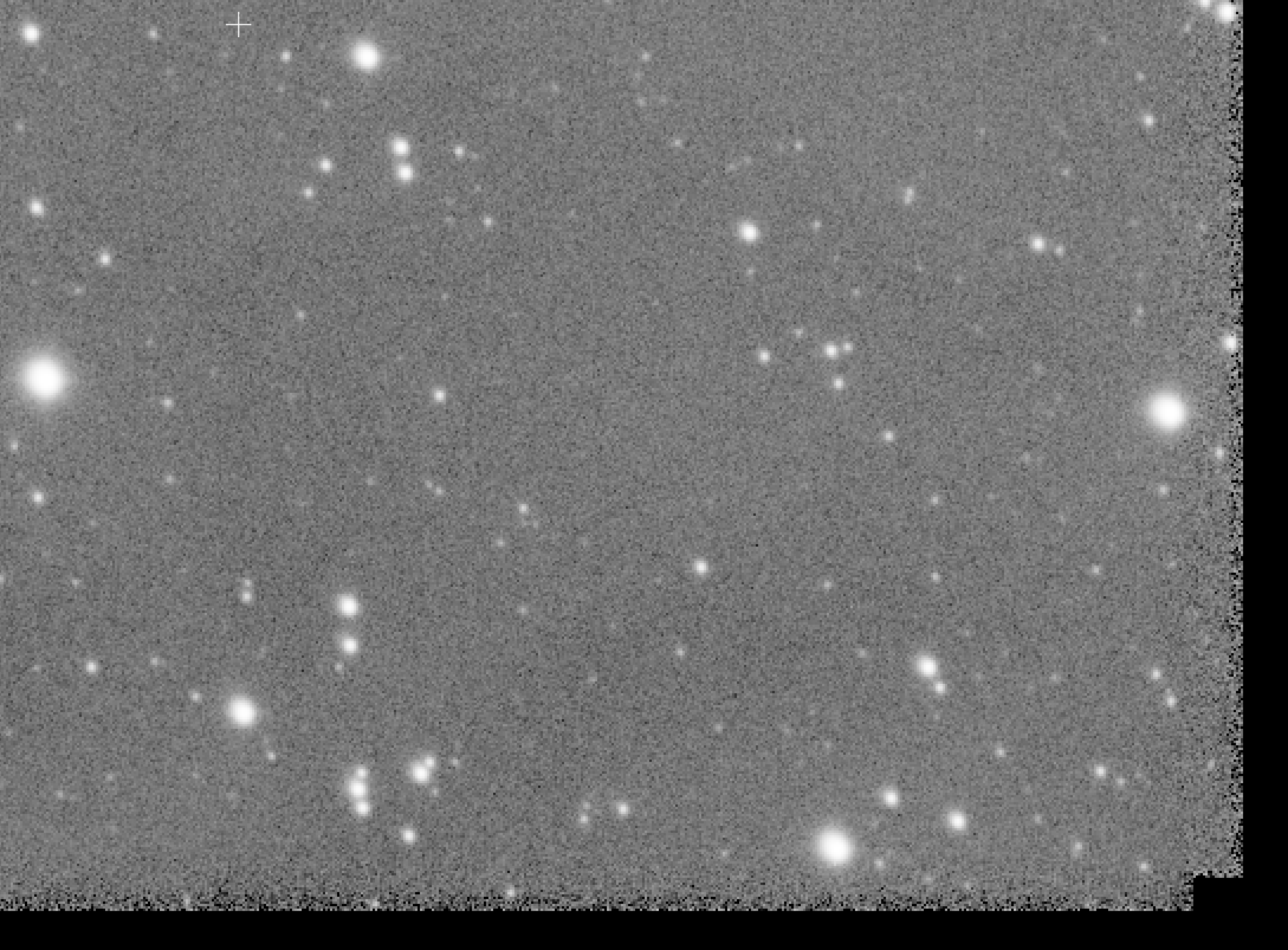
In just one of the panes (the one with M42; the other panes are fine) I got some strange artifacts near the border of the stack in all 4 channels when I use drizzle. This doesn't happen when I don't use drizzle. At first sight it looks like the original frames that make up the stack are dithered too well, but that's not the case.
In the screenshots you'll find a stack without using drizzle and a stack with 2x drizzle. Is there any setting causing this problem?

https://www.astropixelprocessor.com/community/main-forum/drizzle-for-mono-cameras/#post-4257
https://www.astropixelprocessor.com/community/faq/bayer-drizzle-and-outlier-rejection/#post-5578
In the two links one finds a good explanation
of Mabula.
I hope it helps.
Best regards.
Thanks for your reply. I tried different settings in the integration tab and now I got a good result. Looks like the LNC settings and/or MBB setting are causing the problem. LNC level 1 with 3 iterations and a MBB setting of 8% was causing the "borders". I decreased the MBB setting to 5% and didn't use LNC at all. Now the stacks are looking fine. In the screenshot the stack of the red data (top) compared to the stack with the artifacts (bottom).

Actually, it's not artifacts at all, it's dithering. This means that the edges of the pixels are not always served with imformation. That's why it looks so holey.
You need a lot of frames and it has to be dithered randomly to counteract the effect. My experience is at least 50-100 or more frames necessary to have an advantage over pixel interpolation.
Thanks for the answer. I certainly hoped to get a lot more data, but as usual the weather last winter was very bad here. I started this project (a 3 pane mosaic of the Horse Head Nebula up to M42 in R, G, B and Ha) early November last year. At the end of February when Orion was disappearing in the evening sky I almost used every single clear night to make this mosaic. I ended up with a total of 533 (good) light frames. Not nearly enough to use drizzle at my benefit.
