

UPDATE FROM MABULA
I have had a very rough 2 months unfortunately health wise. I was struck 3x in a row with bacterial infections. The second infection occurred after a routine hospital checkup and I became very sick. I had to rest and take a lot of antibiotics. Once I was recovering and restarting work 1 month ago, I again became sick. The infection was not yet gone, so even more antibiotics and rest was needed. Needless to say, it took a lot of my energy and I needed a lot of rest.
Finally, the infection is really gone and my energy is coming back step-by-step now and I have started work again. I am terribly sorry to have kept you waiting for support. I will address all outstanding questions and e-mails step-by step and will be on the forum daily from today.
APP 2.0.0-beta47 will come soon as well, a lot of work was already completed before I became very ill, so the release is also nearly ready for you. Beta47 will be much faster actually. Many workflows will be more than 2x faster, mosaics can even be 10x faster than before because registration really received a major boost... all compared to beta46. Before I release it, I will make sure that everything is working properly and then I will release it.
Please help! The integration frame shows artifacts, like shadows of the brighter stars of M 45. The shadows don't show on the individual frames, I checked and rechecked them. I used the default settings of APP, light frames, master flat, dark and bias. MDark and MBias have been used in the past for processing with the same ISO/exposure time without any problem. To nail it down I noticed the first appearance of the shadows after normalisation, and clear shadows after integration. I have no idea what goes wrong. Can anyone help me please?
Could you maybe pinpoint as to what you mean with the shadows? I can't see anything really strange, apart from the gradient in the image.
When you click on the image you'll see reflections of the bright stars just above and slightly to the right of the stars.
Thank you, wvreeven, reflections are the right word, and for helping to point at the positions.
Ah right, I was looking for darker artefacts. 😉 Thanks Wouter. So are you sure they are not visible in your single frames? They will show up very faintly probably and when stacked pop out more. It seems extremely likely these are actual reflections in the data, stars look like they have been registered properly and they show up for the brightest of stars, which makes sense as well.
I agree with Vincent. Probably stretching the original light subs VERY much will make them visible there as well. It looks like reflections in the optical train to me.
Wouter
Thank you for dealing with my issue. I went through all my subs again and didn't find anything strange in the original data. I took subs of a different target with the same configuration the same night, and the integration went well as usual. I have no idea what haunts me with M 45. I'd probably better discard the subs and try again.
Do the subs of the other target also contain magnitude 5 and brighter stars? Could you perhaps share one of the raw M 45 subs with us?
Wouter
Yes it would be great if you could upload a single frame for us to have a look at. Nothing really haunts you I'm sure, the stars in this target are extremely bright so that would make sense.
Wvreeven, the subs of the other target don't contain such bright stars. The M45 sub is larger than 30 MB - would resizing affect the 'screening' ? Sorry I'm a newbie - is there any way of preprocessing with APP or taking subs I could 'tame' bright stars against faint nebulosities? The same problem appears e.g.with Flame and Horsehead nebulae and Alnitak.
Perhaps you could use a system like WeTransfer to make a sub available?
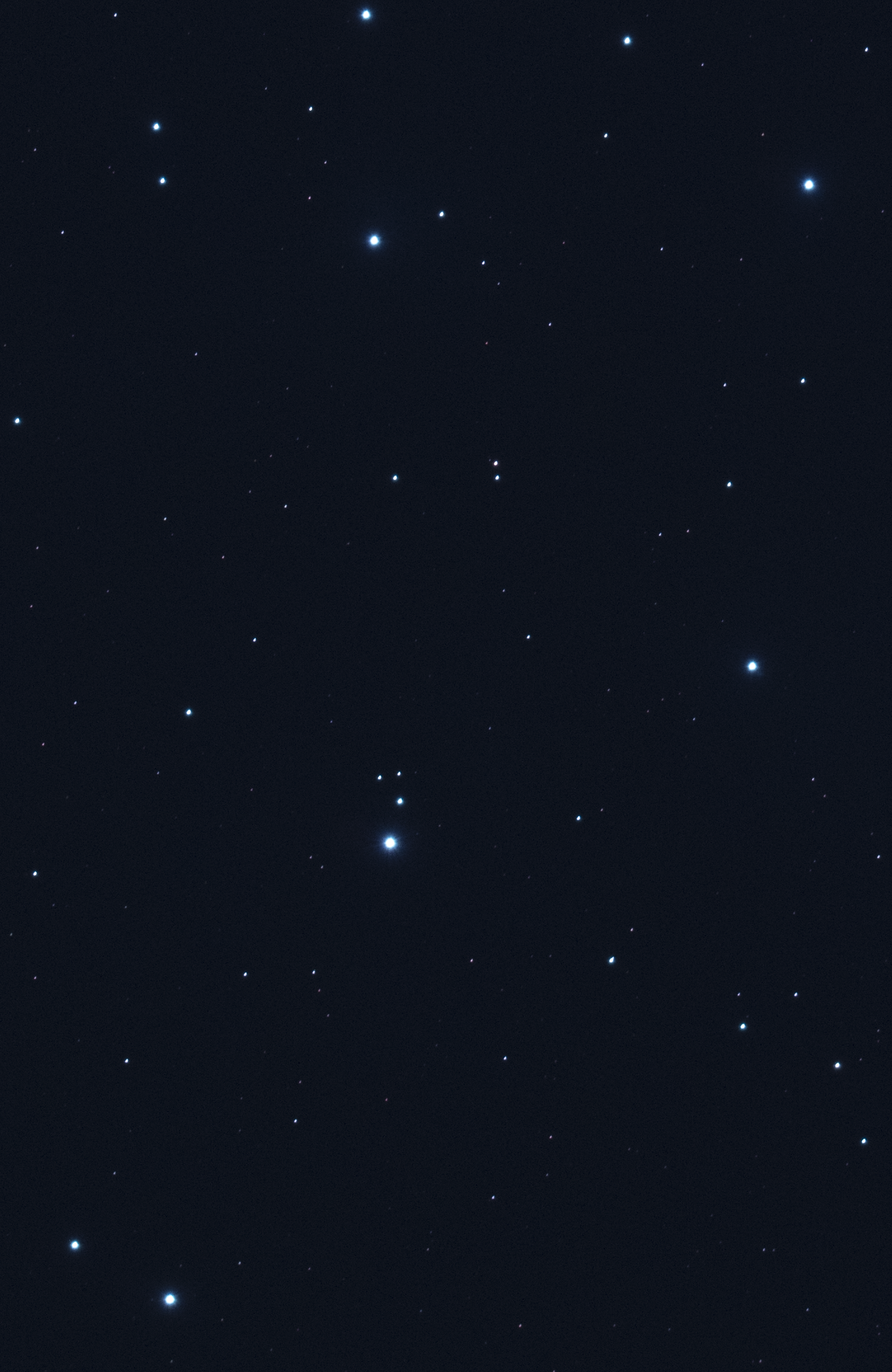
I attached the cropped but otherwise unchanged file that contains the bright stars that trouble me. I hope this works.
Thank you! So I marked the position of the reflection in this light, it's faint, but it is there. So the problem is that you have a reflection going on in the image-train.

I can see the reflection on your stretched image but not on my own ones. I think it's best deleting my M 45 subs and try again another night. Thank you Vincent!
