

May 27 2026 APP 2.0.0-beta45 has been released !
Fully Multi-Threaded LNC, many improvements for the registration engine, platform upgrade, and further tuning of internal memory consumption and memory release back to OS.
Apr 14 2026: Google Pay, Apple Pay & WeChat Pay added as payment options
Update on the 2.0.0 release & the full manual
We are getting close to the 2.0.0 stable release and the full manual. The manual will soon become available on the website and also in PDF format. Both versions will be identical and once released, will start to follow the APP release cycle and thus will stay up-to-date to the latest APP version.
Once 2.0.0 is released, the price for APP will increase. Owner's license holders will not need to pay an upgrade fee to use 2.0.0, neither do Renter's license holders.
Hi Mabula,
Is there a reason why there is no zoom function after crop integration?
Thanks
Guido
Hi Guido, do you mean that you can't zoom in/out after having selected a crop for integration?
Mabula
yes.
No....;) i mean after a crop integration....i cannot zoom in/out anymore?
Hi Guido, okay thanks, I'll test it today. And will fix it if needed, i'll let you know 😉
Mabula
Hi Mabula, were you able to fix it...or did i do something wrong?
Guido
Hi Guido,
I just tested it, it works fine over here,
I think you probably forget to apply the "crop" ?
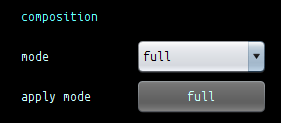
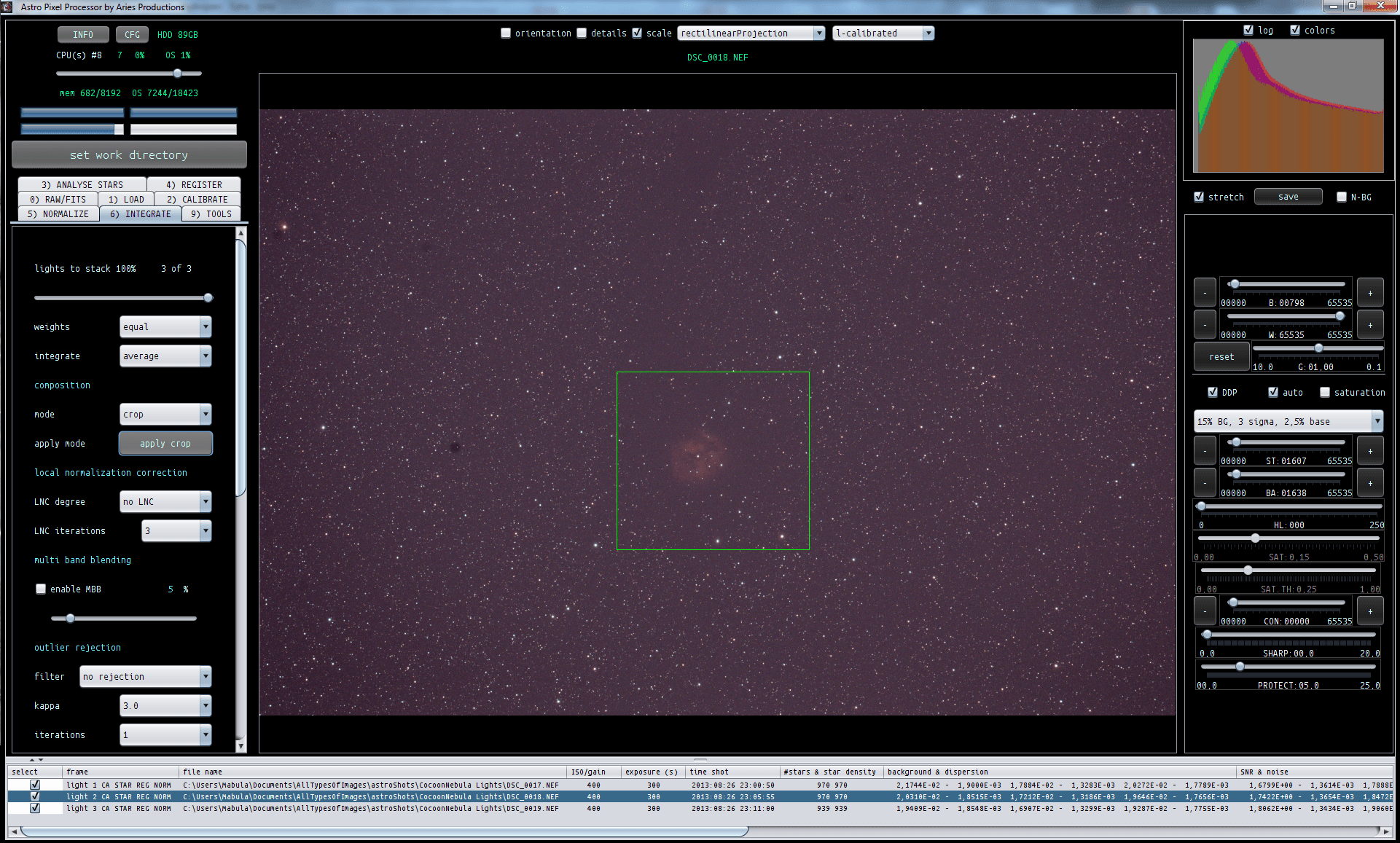
After having drawn the crop, you still need to push the "apply crop" button to confirm the drawn crop.
Let me know it it works then 😉
Mabula
Hi Mabula,
I ment something else; after making a new stack with crop...(teh stack is succesfull ...i cannot use the zoom function anymore on the stack after loading it in the image viewer. Even when i clear everything and i load the new stack, i am not able to use the zoom function...to evaluate the quality for example.
Guido
Hi Guido,
Thank you for your feedback.
Okay, so the cropped stack is created properly. But then after the integration process the zoom in/out seems to be disabled as I understand.
I'll do more testing over here, to see if I can duplicate this or find a cause of this error.
Thanks,
Mabula
