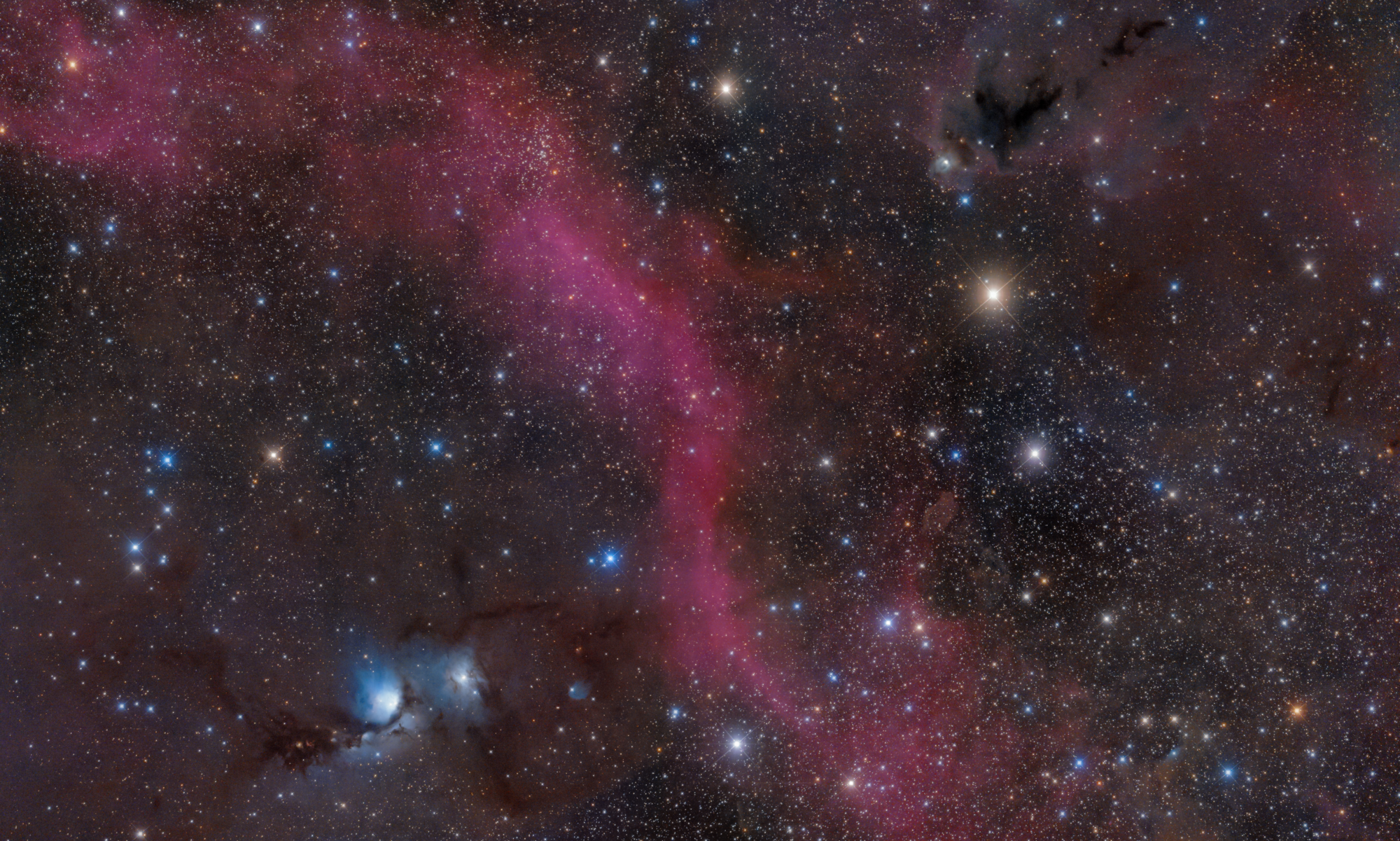

UPDATE FROM MABULA
I have had a very rough 2 months unfortunately health wise. I was struck 3x in a row with bacterial infections. The second infection occurred after a routine hospital checkup and I became very sick. I had to rest and take a lot of antibiotics. Once I was recovering and restarting work 1 month ago, I again became sick. The infection was not yet gone, so even more antibiotics and rest was needed. Needless to say, it took a lot of my energy and I needed a lot of rest.
Finally, the infection is really gone and my energy is coming back step-by-step now and I have started work again. I am terribly sorry to have kept you waiting for support. I will address all outstanding questions and e-mails step-by step and will be on the forum daily from today.
APP 2.0.0-beta47 will come soon as well, a lot of work was already completed before I became very ill, so the release is also nearly ready for you. Beta47 will be much faster actually. Many workflows will be more than 2x faster, mosaics can even be 10x faster than before because registration really received a major boost... all compared to beta46. Before I release it, I will make sure that everything is working properly and then I will release it.
I have a very fast computer (Ryzen 7850 with 128 GB of memory) that can put together a large (3x3 full frame) mosaic very fast. I know that the standard practice is to process each of the 9 panels separately, but this goes together as a whole quite nicely in a reasonable amount of time.
However, I'm getting hot pixels in the mosaic. I have the hot pixels set to 2.0.
Is this because APP mosaics can't deal with separate bad pixel maps for each panel? Or am I missing something? Thanks!
Hi @rixon,
No, this has to do with the automatic integration settings in 6) Integrate. If you run a mosaic, the automatic integration settings disable outlier rejection on purpose, because it/we assume that you feed already created panels where outliers have been properly removed.
So in your case, the Bad Pixel Map does not remove all bad pixels and remainign hot pixels would be removed with the outlier rejection in integration.
So there is 2 options that you can try:
1) create a more aggresive Bad Pixel Map to start with, hot pixel kappa lower than 2.0 in that case.
2) or manually set the integration settings in 6) Integrate, by not setting the integrate option to automatic way at the top in menu 6). Set it to average for a mosaic and then enable outlier rejection and tweak the outlier rejection settings, especially the kappa high value which removes remaining hot pixels.
Mabula
Perfect! Worked great! Thanks so much, Mabula.
