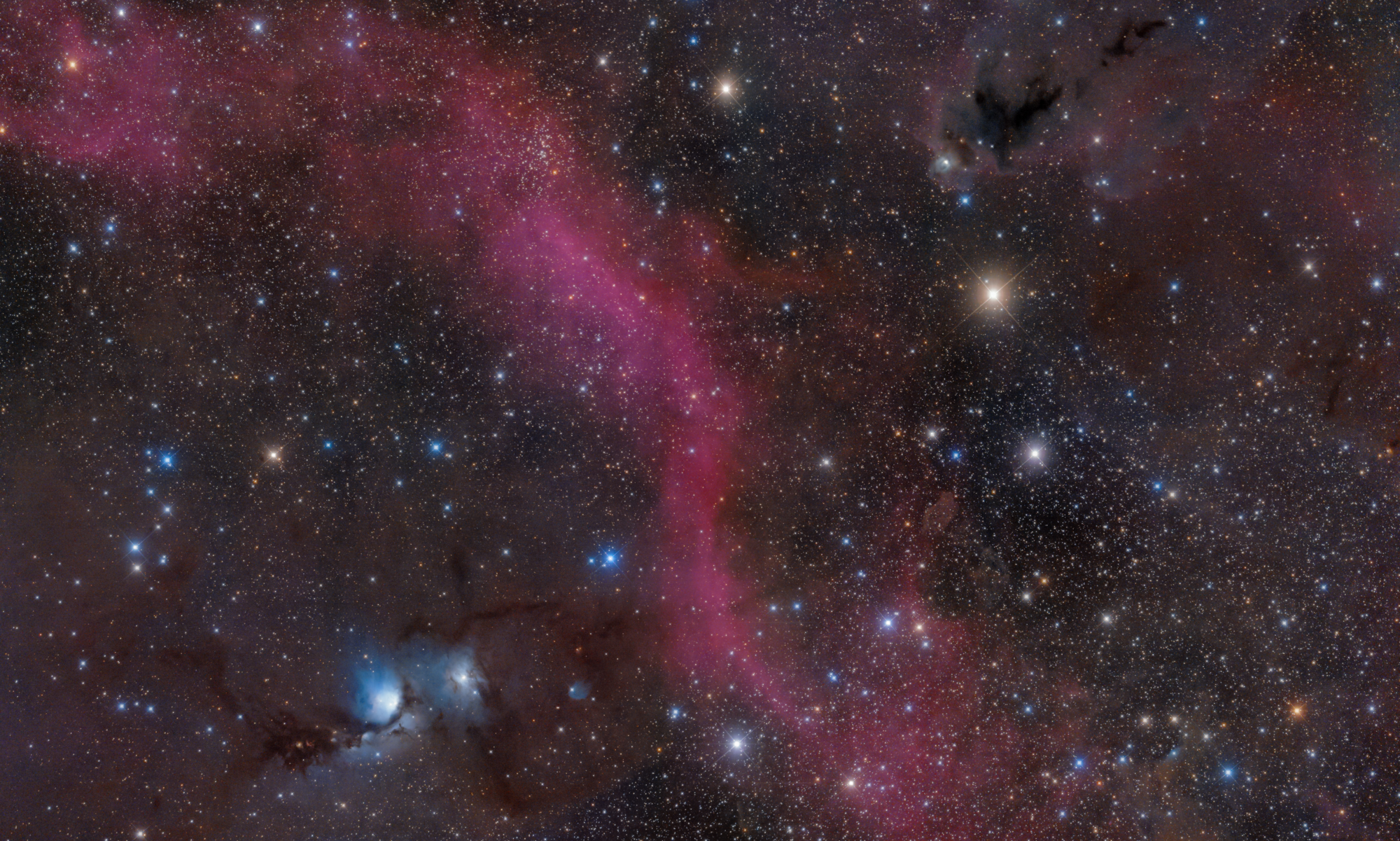

UPDATE FROM MABULA
I have had a very rough 2 months unfortunately health wise. I was struck 3x in a row with bacterial infections. The second infection occurred after a routine hospital checkup and I became very sick. I had to rest and take a lot of antibiotics. Once I was recovering and restarting work 1 month ago, I again became sick. The infection was not yet gone, so even more antibiotics and rest was needed. Needless to say, it took a lot of my energy and I needed a lot of rest.
Finally, the infection is really gone and my energy is coming back step-by-step now and I have started work again. I am terribly sorry to have kept you waiting for support. I will address all outstanding questions and e-mails step-by step and will be on the forum daily from today.
APP 2.0.0-beta47 will come soon as well, a lot of work was already completed before I became very ill, so the release is also nearly ready for you. Beta47 will be much faster actually. Many workflows will be more than 2x faster, mosaics can even be 10x faster than before because registration really received a major boost... all compared to beta46. Before I release it, I will make sure that everything is working properly and then I will release it.
I'm processing a 10-panel composite.
Panels 1-9 worked perfectly, but the last one failed with registration errors.
All the usual tweaks failed to solve the problem.
So I removed the lights and removed the integrations, kept the calibration frames.
I loaded the same lights without restarting the program, and it's working fine.
Do finished integrations required StarTools to reserve memory? Does that cause registration failures?
@tailspin45 Tom,
I get the impression that you are giving a summary of the whole process. What do you mean with "panels 1-9 worked perfectly"? What steps did you take and where does StarTools get in? Why would the memory used by StarTools affect the memory used by APP? It is an external tool. What were the "usual tweaks" that you applied on panel 10?
Thanks, Wouter
What do you mean with "panels 1-9 worked perfectly"?
What steps did you take and where does StarTools get in?
Why would the memory used by StarTools affect the memory used by APP? \
It is an external tool. What were the "usual tweaks" that you applied on panel 10?
Yike! No wonder you're confused.
I meant to write Astro Pixel Processor not StarTools. StarTools is, indeed, an external tool and irrelevant to this issue.
To create a composite, I planned to process each of 10 panels individually using Astro Pixel Processor—from Load to Integrate (and Light Pollution Removal). After processing panel one, I removed the lights and added new ones for panel two using the same calibration files. After panel two, I removed the lights and added new lights for panel 3. Etc.
Each iteration worked fine until I got to panel 10 when the registration error window appeared with suggestions to increase the number of stars, remove same camera, etc. (the "usual tweaks" I referred to in OP). I tried all the recommendations and in combination and the process would not run to completion.
So, to try something else, I removed integrations 1-9 from the bottom of the file list and reran panel 10 and it worked fine. For some reason, I'm guessing a memory issue, the presence of earlier integrations prevented Astro Pixel Processor from working properly.
Yes, I could have restarted Astro Pixel Processor fresh after each panel. But without a way to save a config file which would ensure each process was identical, I was afraid of ruining the finished composite because some panels might be processed with different settings if I was careless.
I'm not trying to make a deal out of this issue, just raising my hand to alert you that there is apparenty a problem if integrations are not removed.
@tailspin45 Thanks for the clarification. I'll pass this on to Mabula to hear his opinion.
