I have had a very rough 2 months unfortunately health wise. I was struck 3x in a row with bacterial infections. The second infection occurred after a routine hospital checkup and I became very sick. I had to rest and take a lot of antibiotics. Once I was recovering and restarting work 1 month ago, I again became sick. The infection was not yet gone, so even more antibiotics and rest was needed. Needless to say, it took a lot of my energy and I needed a lot of rest.
Finally, the infection is really gone and my energy is coming back step-by-step now and I have started work again. I am terribly sorry to have kept you waiting for support. I will address all outstanding questions and e-mails step-by step and will be on the forum daily from today.
APP 2.0.0-beta47 will come soon as well, a lot of work was already completed before I became very ill, so the release is also nearly ready for you. Beta47 will be much faster actually. Many workflows will be more than 2x faster, mosaics can even be 10x faster than before because registration really received a major boost... all compared to beta46. Before I release it, I will make sure that everything is working properly and then I will release it.
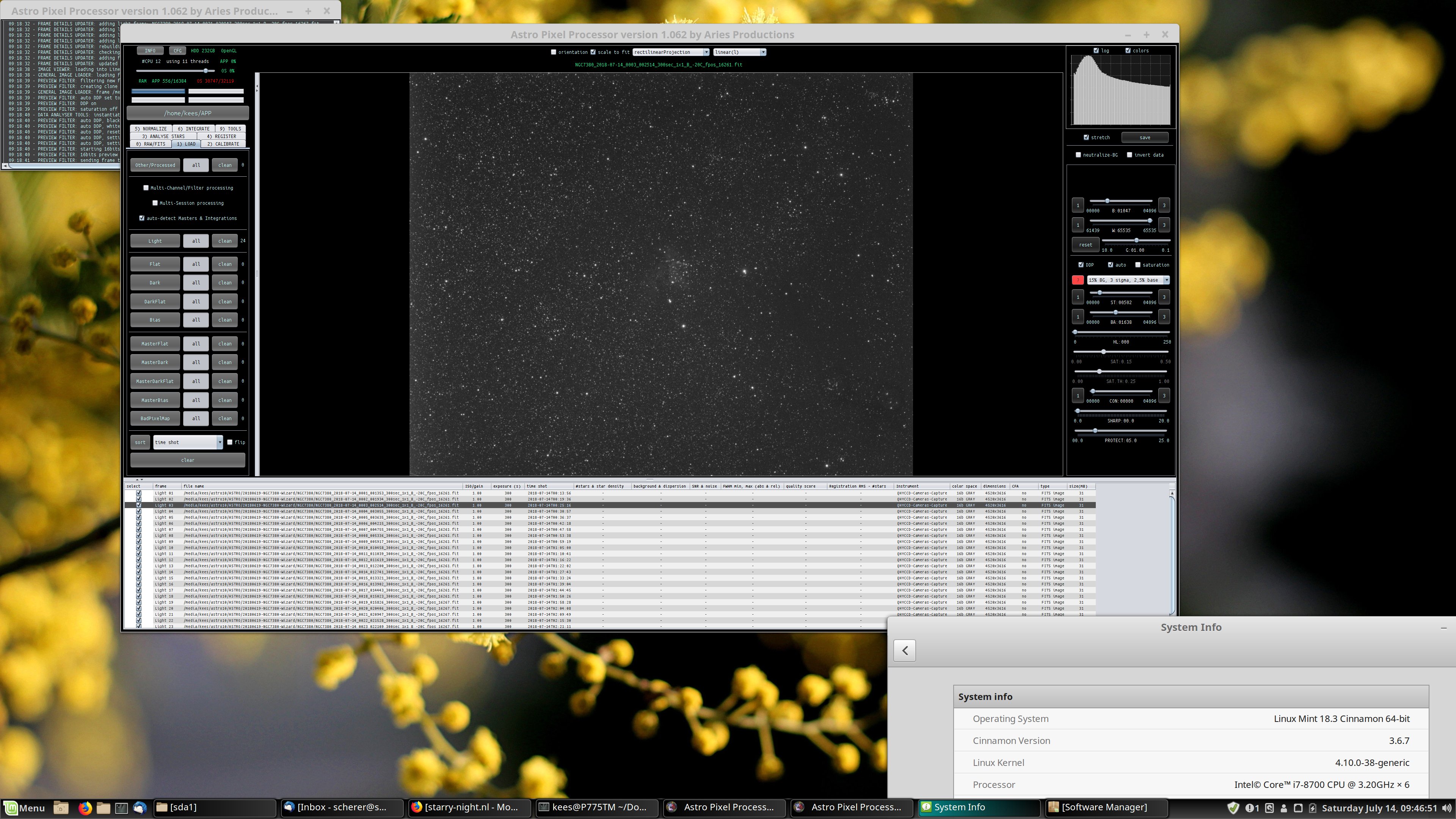
I installed version 1.062 on my new laptop with 4K screen (3840×2160 ,NVidia GTX 1060 , driver 396.24.02). All other programs nicely scale their output so the characters are readable, but APP is not doing that, see screenprint for the effect. (Linux Mint 18.3 Cinnamon 64 Bit, see screenprint system info for details)
I installed version 1.062 on my new laptop with 4K screen (3840×2160 ,NVidia GTX 1060 , driver 396.24.02). All other programs nicely scale their output so the characters are readable, but APP is not doing that, see screenprint for the effect. (Linux Mint 18.3 Cinnamon 64 Bit, see screenprint system info for details)
APP will not scale yet like you indicate. This will be implemented in due time.
Operating System like Windows and MacOS will easily scale using Operating System scale settings. Most users will use that on resolutions that are so high when compared to the actual screen dimensions in cm/inches. Does Linux not offer such a scaling as a temporary solution?
When i use normal scaling or auto (the only other options), i see no difference in APP, PI uses the scaling option so looks good in double scaling at 4K and has the tiny fonts when i use normal scaling.
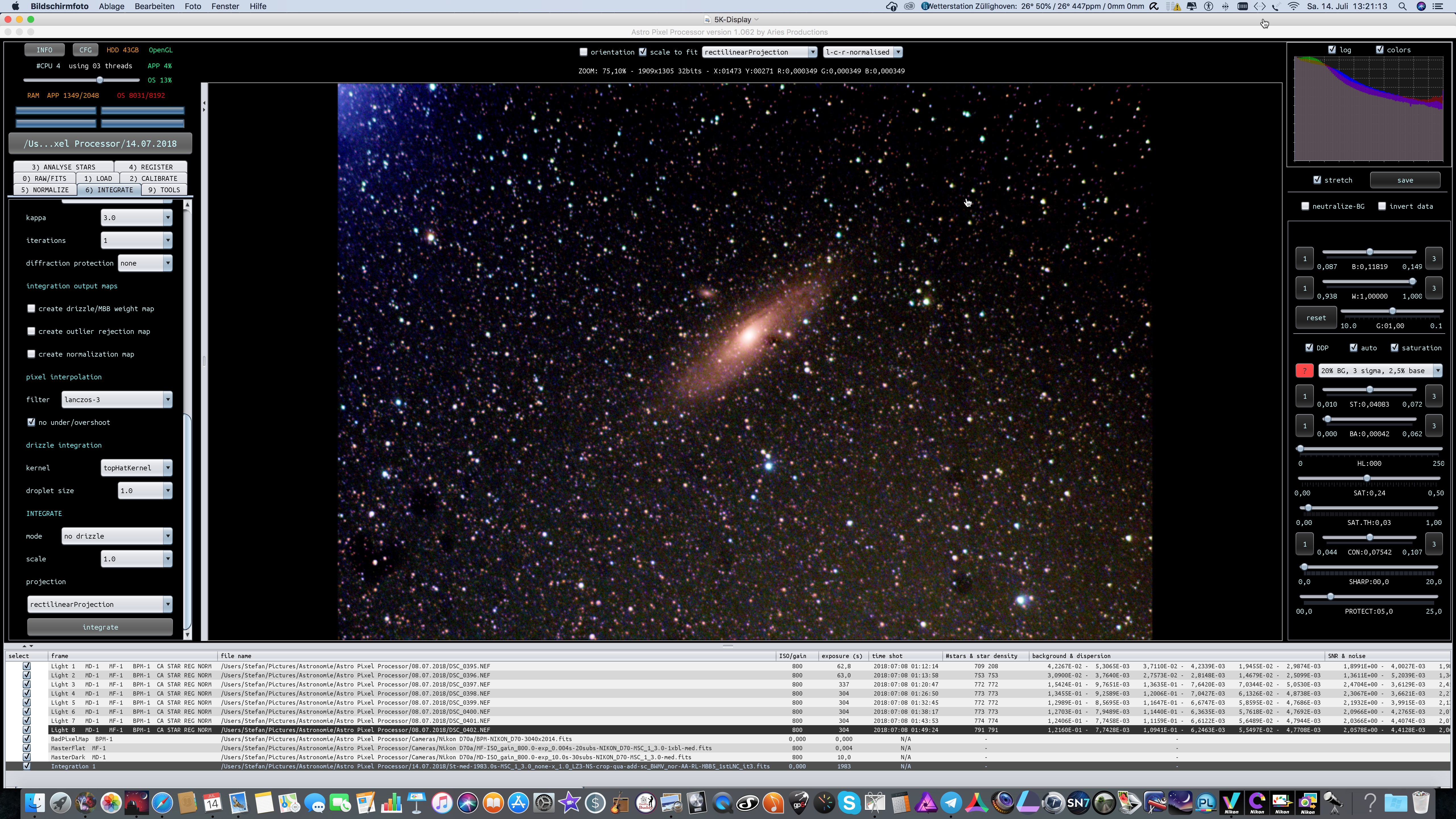
This is getting a bit rediculous, i have attached screenprints made on 2 laptops, one showing the view on the 4K Linux-Mint-Cinnamon 18.x as seen before in this thread and the other screenprint is made on my Toughbook with 1366 x 786 resolution running Linux Mint Cinnamon 19.3. I want to scale the APP interface, but how?
So the scaling is an issue with Java 8 on Linux unfortunately. Mabula will get it up to 9+ and that should solve this, but unfortunately there is no easy fix at the moment.
So the scaling is an issue with Java 8 on Linux unfortunately. Mabula will get it up to 9+ and that should solve this, but unfortunately there is no easy fix at the moment.
O, I am sorry, my new problem is that the scaling on the 1366 x 786 screen changed after upgrading from Mint Cinnamon 18.3 to Mint Cinnamon 19.3. The HiDPI scaling issue on the 4K is not solved and i can work with that, sort of. APP has become useless on the 1366 x 786 resolution, i am wondering how/why that happened....
This post was modified 7 years ago 2 times by Kees Scherer
Right, so something changed in Mint then. That's really strange and I'm not sure this is something Mabula can solve (will ask at Astrofest), APP has its own Java version that it runs on and this should not depend on the system it runs on. This will need some extra investigation on the Linux side of things, I might have a look if I can run Linux Mint in a virtual machine and check it out, unfortunately I don't have my powerful machine with me here.