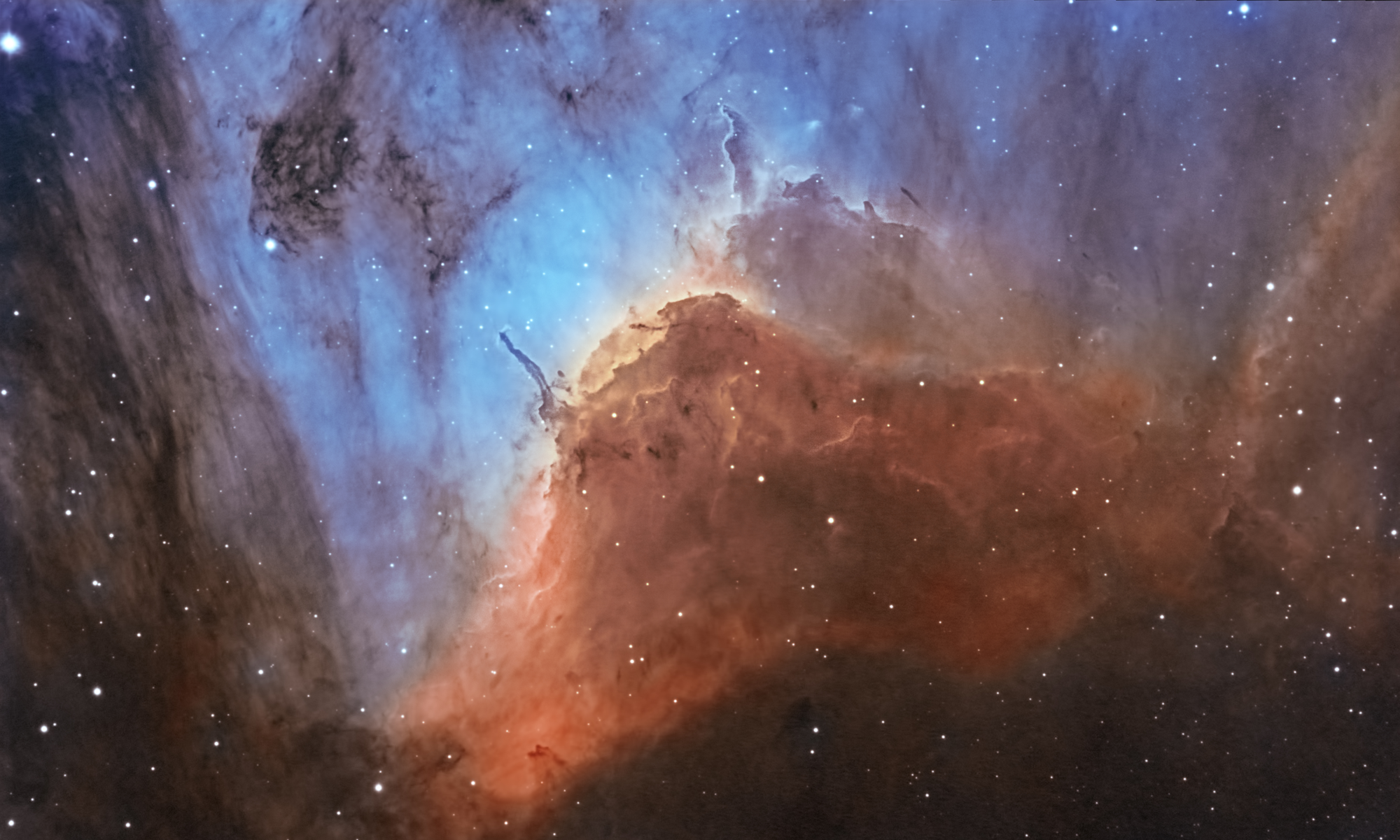

2026-10-09 APP 2.0.0-beta48 has been released !
This is mainly a bug fix release for the reported bugs in beta47. In addition it has a significant User Interface performance improvement noticable when you need to process 1000s of images in APP.
2026-10-03 APP 2.0.0-beta47 has been released !
This is a very big release... many code optimizations/rewrites, many parts of APP are much faster and more precise, especially star analysis and registration are much faster ! Big mosaics will go much faster 🙂
And we introduce a new preview filter, which includes the new Adaptive Deep Sky Stretch and a General Levels Stretch, this has been long over due. The old preview filter (the panel on the right side to stretch and preview your data) has not been updated for a couple of years and it is a critical part of any APP session.
Adaptive Deep Sky Stretch or ADSS is a much more intuitive stretch algorithm. It is also color preserving (which is a great new addition in itself ! ) which means that the highlights are no longer bleached, color is maintained from the linear data while stretching. You can simply stretch your data using the sky background level and signal width sliders which work much easier and more intuitive. You no longer need to fiddle with the old complicated sliders with zoom buttons. All the zoom buttons for the sliders are made redundant. And you can enter slider values in the slider value fields yourself. I will make a youtube video in the coming days to explain and fully introduce ADSS. Once the video is ready, it will be highlighted on the forum.
RGB Combine upgrade !. The RGB Combine Tool has been rewritten mostly. The tool is faster and easier to use and most importantly, the Luminance slider to inject a luminance channel or channels into the RGB composite is now working correctly. It no longer bleaches the RGB colors. Combined with the new ADSS preview, you will get much better and easier great composites with great color! I will also explain this in a new youtube video.
The Voyager sequencing software allows very flexible scripting during an imaging session. It allows arbitrary scripting at almost any point in the imaging process. It would be pretty slick if Voyager could call APP after an image is taken and automatically calibrate it such that only calibrated images are saved.
Of course this would require taking flats at the beginning of an imaging session, but that doesn't seem unreasonable.
All APP would need is to be able to take in command line instructions like AstroPixelProcessor.exe -C -L "Light.fit" -D "MasterDark.fit" -F "MasterFlat.fit" -B "Bias.fit" -DF "DarkFlat.fit"
Or something similar.
Thoughts?
I think having some form of terminal access would be interesting, not sure how Mabula sees that or how easy that would be to intergrate @mabula-admin ?
Dear @kingjamez,
As you probably know, our company is now an official partner of iTelescope.net. As part of our cooperation, we are working towards the ability of APP to fully automatically calibrate and process up until integration of data captured by any capture software package.
Thus APP will capture the captured data and will start processing it. There really is no need for scripting here. That only complicates matters I think. It will be enough for you to load the proper calibration data into APP, then start imaging and let the capture software save the lights in a folder that APP would monitor.;-) This is the way we are planning this and the upside is that it will work with any capture package without the need for scripting. On the other hand, if we see clear reason for scripting for some reason, we will not hesitate to make that possible.
APP will even then create the integration for you once capture is completed. So APP in the future will do live stacking/integration of your data from calibration to integration... off course, we are not there yet, it will take time to get there.
Does this sound reasonable?
Kind regards,
Mabula
That would be an amazing solution... I LOVE IT. Thank you! I can't wait to give it a try.
-Jim
Dear @kingjamez,
As you probably know, our company is now an official partner of iTelescope.net. As part of our cooperation, we are working towards the ability of APP to fully automatically calibrate and process up until integration of data captured by any capture software package.
Thus APP will capture the captured data and will start processing it. There really is no need for scripting here. That only complicates matters I think. It will be enough for you to load the proper calibration data into APP, then start imaging and let the capture software save the lights in a folder that APP would monitor.;-) This is the way we are planning this and the upside is that it will work with any capture package without the need for scripting. On the other hand, if we see clear reason for scripting for some reason, we will not hesitate to make that possible.
APP will even then create the integration for you once capture is completed. So APP in the future will do live stacking/integration of your data from calibration to integration... off course, we are not there yet, it will take time to get there.
Does this sound reasonable?
Kind regards,
Mabula
Hi @mabula-admin,
I think a command line interface would be really useful for multi-session processing and also would allow really big datasets processing by being able to crunch in parallel some parts of the workflow (like: calibration, star analize... all the things that are done on individual subexposures).
I work for a project that maintains a open source platform for processing genomic data (www.arvados.org) and I think having a way to script the different steps of APP processing combined with an elastic compute platform like Arvados would allow APP adoption of astronomers that have enormous datasets. Even with not-so-big datasets, something like this would be great so that we can test different settings, re-running only the necessary steps.
Best regards,
Lucas.
