

UPDATE FROM MABULA
I have had a very rough 2 months unfortunately health wise. I was struck 3x in a row with bacterial infections. The second infection occurred after a routine hospital checkup and I became very sick. I had to rest and take a lot of antibiotics. Once I was recovering and restarting work 1 month ago, I again became sick. The infection was not yet gone, so even more antibiotics and rest was needed. Needless to say, it took a lot of my energy and I needed a lot of rest.
Finally, the infection is really gone and my energy is coming back step-by-step now and I have started work again. I am terribly sorry to have kept you waiting for support. I will address all outstanding questions and e-mails step-by step and will be on the forum daily from today.
APP 2.0.0-beta47 will come soon as well, a lot of work was already completed before I became very ill, so the release is also nearly ready for you. Beta47 will be much faster actually. Many workflows will be more than 2x faster, mosaics can even be 10x faster than before because registration really received a major boost... all compared to beta46. Before I release it, I will make sure that everything is working properly and then I will release it.
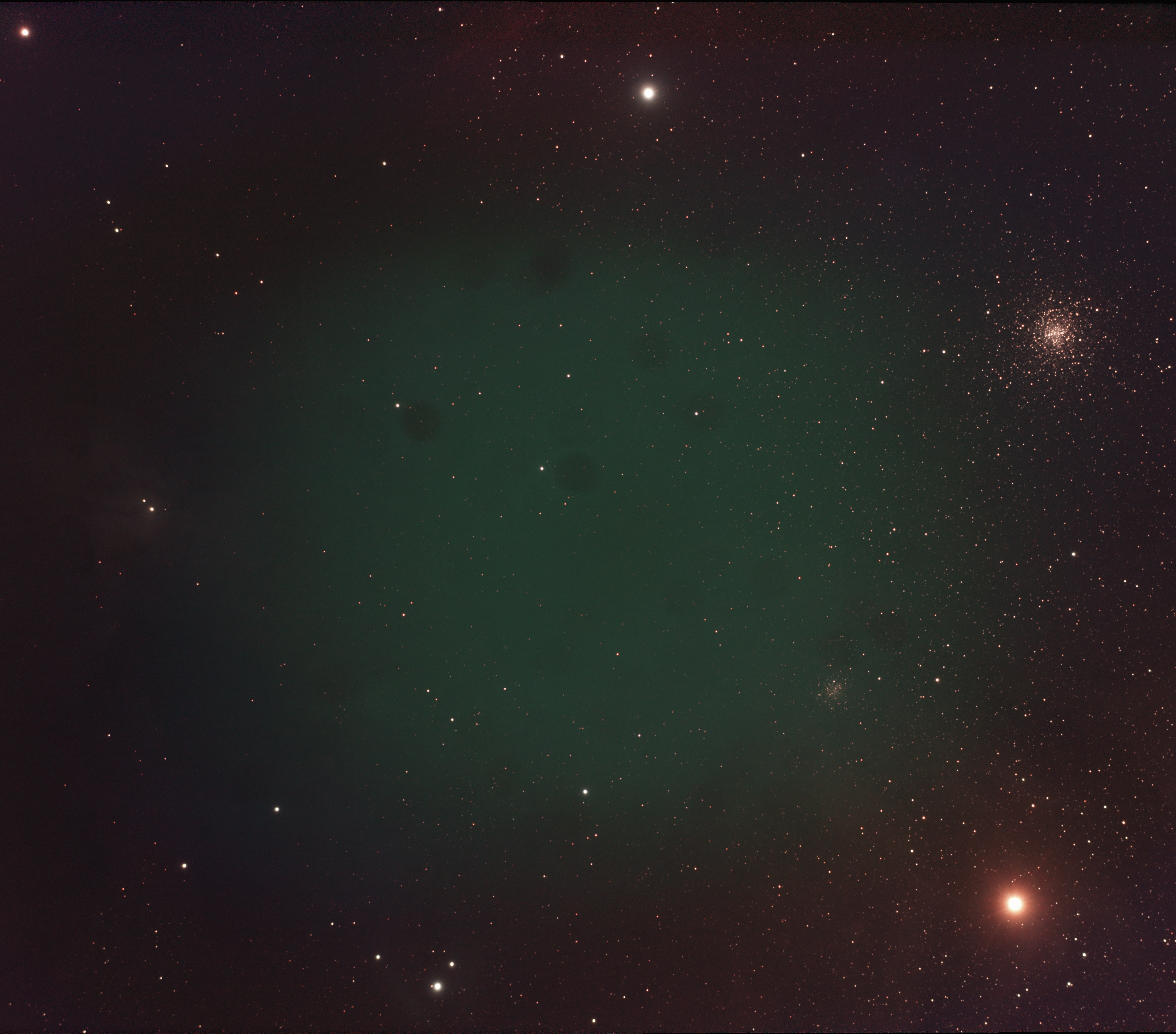
I am after some sound advice on what I am doing wrong with my DSLR calibration frames. I have used dark frames with the same ISO and exposure length (temp very close), flats the same ISO with histogram peak between 1/3 to 1/2, a master bias of same ISO and I still have these dots on my integrations. Looking into the lens on my scope I can see these dots on it, I believe they are dried droplets where dust has settled. I thought my flats would correct these? Is anyone kind enough to advise me on what I am doing wrong? I have so much good data that I want to process however I just can't seem to get rid of these dots.
Here is a link to the integration result https://1drv.ms/u/s!AizlV9aqtkAaoXjT0_dclAp4Q6x3?e=aqDreL
Thank you so much in advance!
Daniel
Hi Daniel,
So would you be able to clean the optics? That will help a bit already. Flats also should reduce this and it looks like they weren’t actually applied or something with the flats data is not right still. You can see if it is applied by loading a single light frame and your masterflat. On top of the screen you select “l-calibrated” and APP should correct the light with the flat. It also shows up in the list below, your light frame will have the flat tag added to it. Do you see an effect?
@vincent-mod you are right for some reason the flats were not being applied. After deleting the masters and re calibrating, everything works as expected again. Thanks again Vincent, and yes I have also since cleaned the optics 😆
