

May 27 2026 APP 2.0.0-beta45 has been released !
Fully Multi-Threaded LNC, many improvements for the registration engine, platform upgrade, and further tuning of internal memory consumption and memory release back to OS.
Apr 14 2026: Google Pay, Apple Pay & WeChat Pay added as payment options
Update on the 2.0.0 release & the full manual
We are getting close to the 2.0.0 stable release and the full manual. The manual will soon become available on the website and also in PDF format. Both versions will be identical and once released, will start to follow the APP release cycle and thus will stay up-to-date to the latest APP version.
Once 2.0.0 is released, the price for APP will increase. Owner's license holders will not need to pay an upgrade fee to use 2.0.0, neither do Renter's license holders.
Topic starter
June 25, 2017 09:26
Hi Mabula, just another question:
Is there a way to select an area of interest so you don't need to drizzle the whole area in case you want a particular area bigger?
Best Frank
June 25, 2017 11:39
Hi Frank,
Indeed, there is. In 6) INTEGRATE, you have the composition mode to do this. Select a crop of the field of view of the reference frame to (drizzle) integrate only this area.
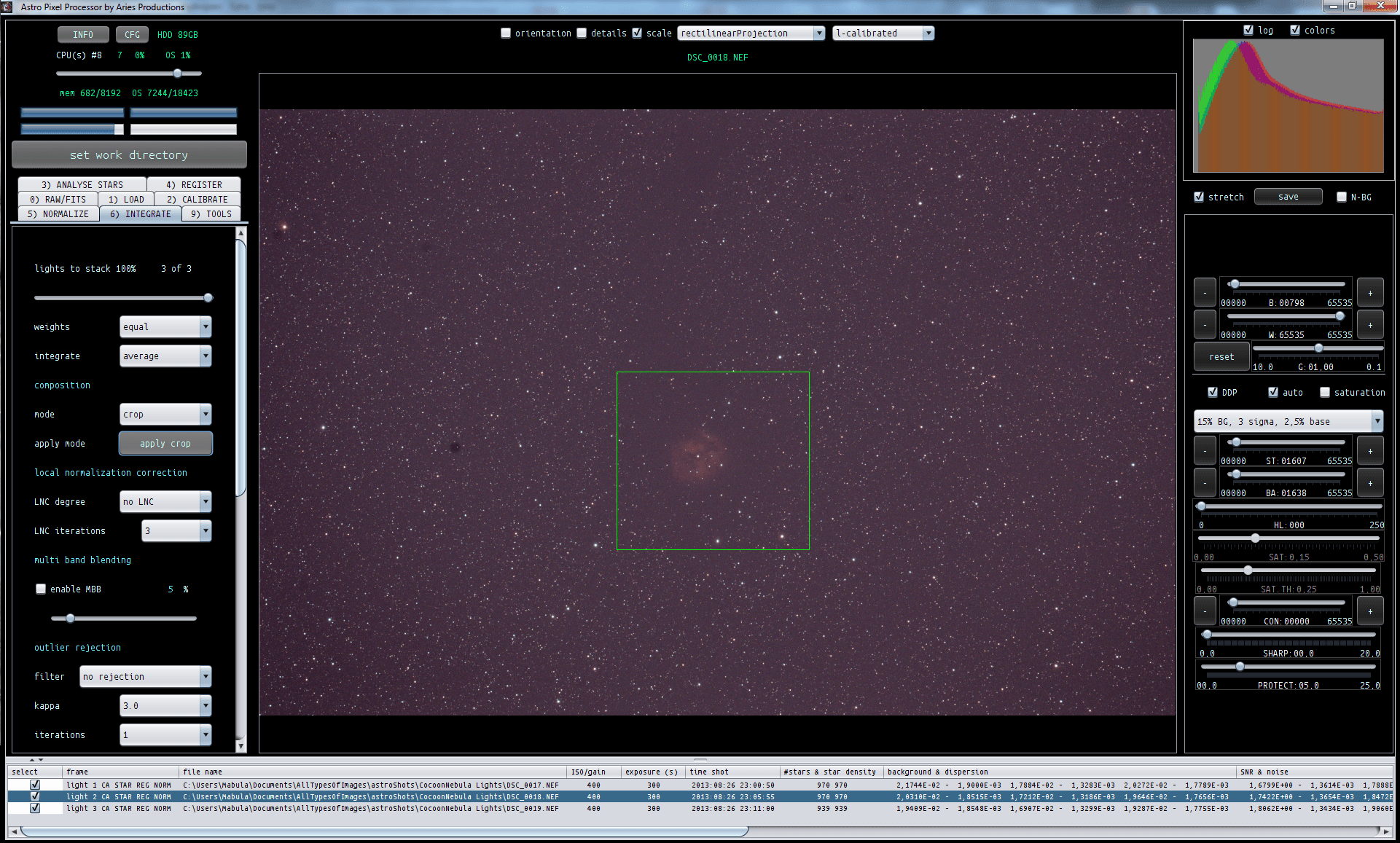
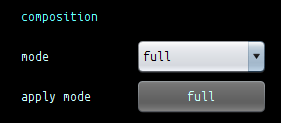
After you have drawn the crop, don't forget to push the apply crop button to the left, it will then load this field of view in the image viewer as well for your reference frame.
I have created this option especially with drizzle in mind 😉
Let me know if this works for you.
Kind regards,
Mabula
