

2026-10-09 APP 2.0.0-beta48 has been released !
This is mainly a bug fix release for the reported bugs in beta47. In addition it has a significant User Interface performance improvement noticable when you need to process 1000s of images in APP.
2026-10-03 APP 2.0.0-beta47 has been released !
This is a very big release... many code optimizations/rewrites, many parts of APP are much faster and more precise, especially star analysis and registration are much faster ! Big mosaics will go much faster 🙂
And we introduce a new preview filter, which includes the new Adaptive Deep Sky Stretch and a General Levels Stretch, this has been long over due. The old preview filter (the panel on the right side to stretch and preview your data) has not been updated for a couple of years and it is a critical part of any APP session.
Adaptive Deep Sky Stretch or ADSS is a much more intuitive stretch algorithm. It is also color preserving (which is a great new addition in itself ! ) which means that the highlights are no longer bleached, color is maintained from the linear data while stretching. You can simply stretch your data using the sky background level and signal width sliders which work much easier and more intuitive. You no longer need to fiddle with the old complicated sliders with zoom buttons. All the zoom buttons for the sliders are made redundant. And you can enter slider values in the slider value fields yourself. I will make a youtube video in the coming days to explain and fully introduce ADSS. Once the video is ready, it will be highlighted on the forum.
RGB Combine upgrade !. The RGB Combine Tool has been rewritten mostly. The tool is faster and easier to use and most importantly, the Luminance slider to inject a luminance channel or channels into the RGB composite is now working correctly. It no longer bleaches the RGB colors. Combined with the new ADSS preview, you will get much better and easier great composites with great color! I will also explain this in a new youtube video.
Last weekend I tried imaging with my new Rokinon 135mm lens. Paired it with the ASi533mcpro. Now it turns out my fits files of the larger Orion area are too dim. (User error I am sure) Is there anything I can do to brighten the 150 individual 10-second fits files? They won't register because the stars are too dim. I can see them on my screen but only a few will register. I really appreciate any help you can provide.

If you brighten them they go non-linear, so I would change your pattern recognition to triangles. It works for stuff with barely any stars.
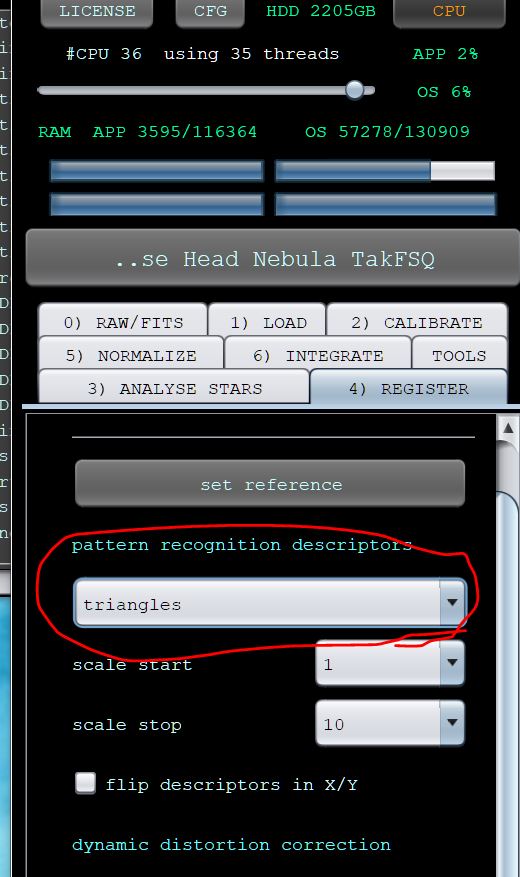
Thanks for educating me. Loading APP now!
I have 150 10 second plus others subs at 120, 60, and 30 seconds. So far, changing to triangles did not help. When I reduce or increaser the number of stars all the 10 second subs will not register and some of the longer ones as well. I have loaded each set as a different session. Nothing I have tried will register all the subs.
So I tried stacking each session individually, that is, only selecting all the 10 second subs etc. Doing this the frames that would not register when integrating ALL, will register and stack. I guess I will pursue this angle, but if there is any other better approach I will appreciate hearing it. Thanks.
That is strange because you can see enough stars in there that they should have been picked up. I would almost set everything to the defaults, then set star detection at 2000 or 2500 and see what you get. I'd still keep triangles for registration. Just curious, how many stars is it showing for registration?
Here is a 30s sub in Sii that has been stretched a little to make things show, but it looks to have about as many stars as yours does showing up. I had no problem registering them.
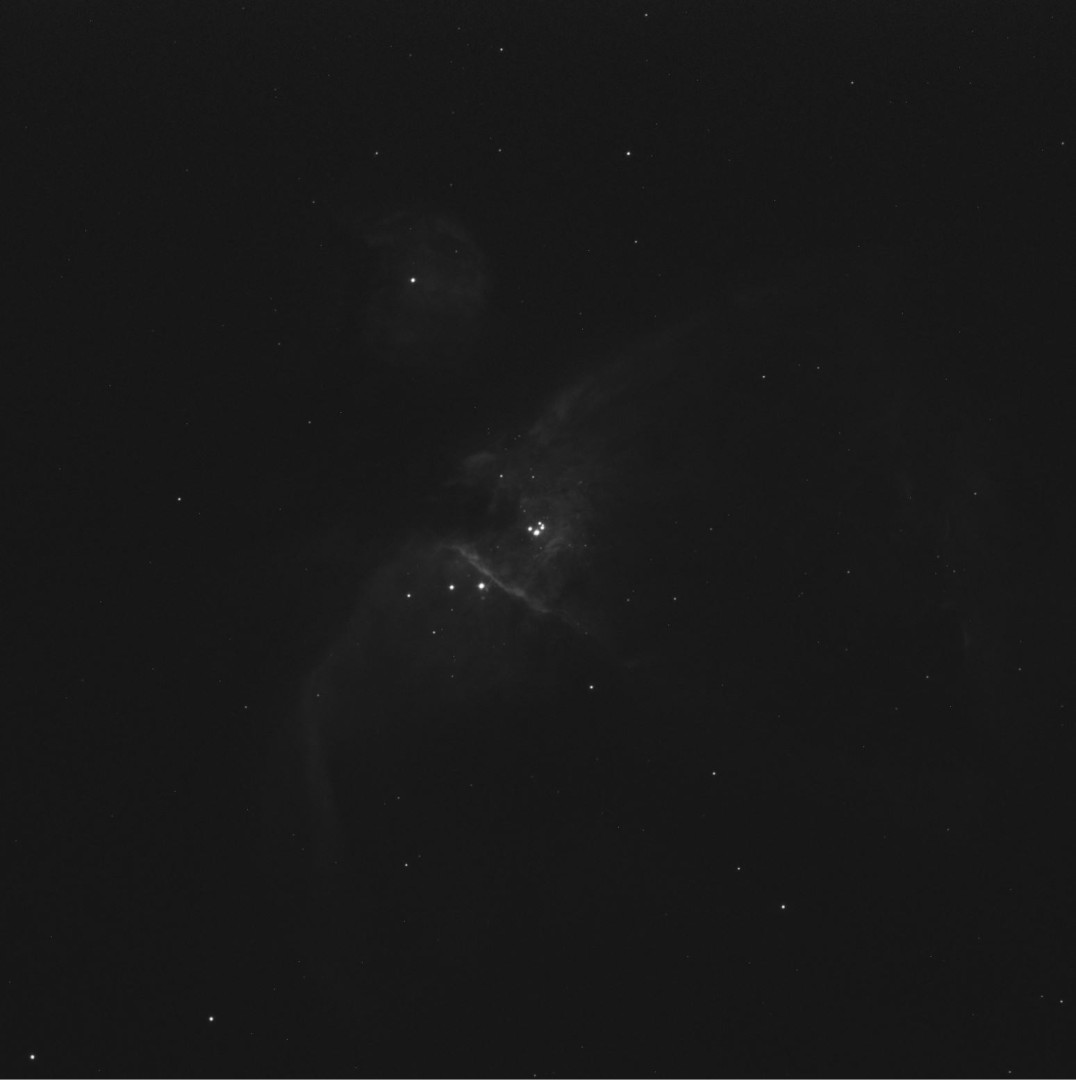
Thanks very much. Some of the 10 seconds subs will register. Depending on the settings a few or many will not. The star count shows in the attached screenshots. I set the analyze stars to 2000 for this test. Thanks again.


I would think it should be able to register on that, but I would also check the star analysis at 5000 and see what happens then, and maybe again at 8000 just to see what you get.
Ohh, and if not on the latest beta I'd make sure to do that too. I think some of the earlier ones might have had problems with star registration.
I set analyze stars at 2000. I was finally able to stack 90 out of 150. Later on I will see if I can move closer to 130 or so. Thanks for progress!
