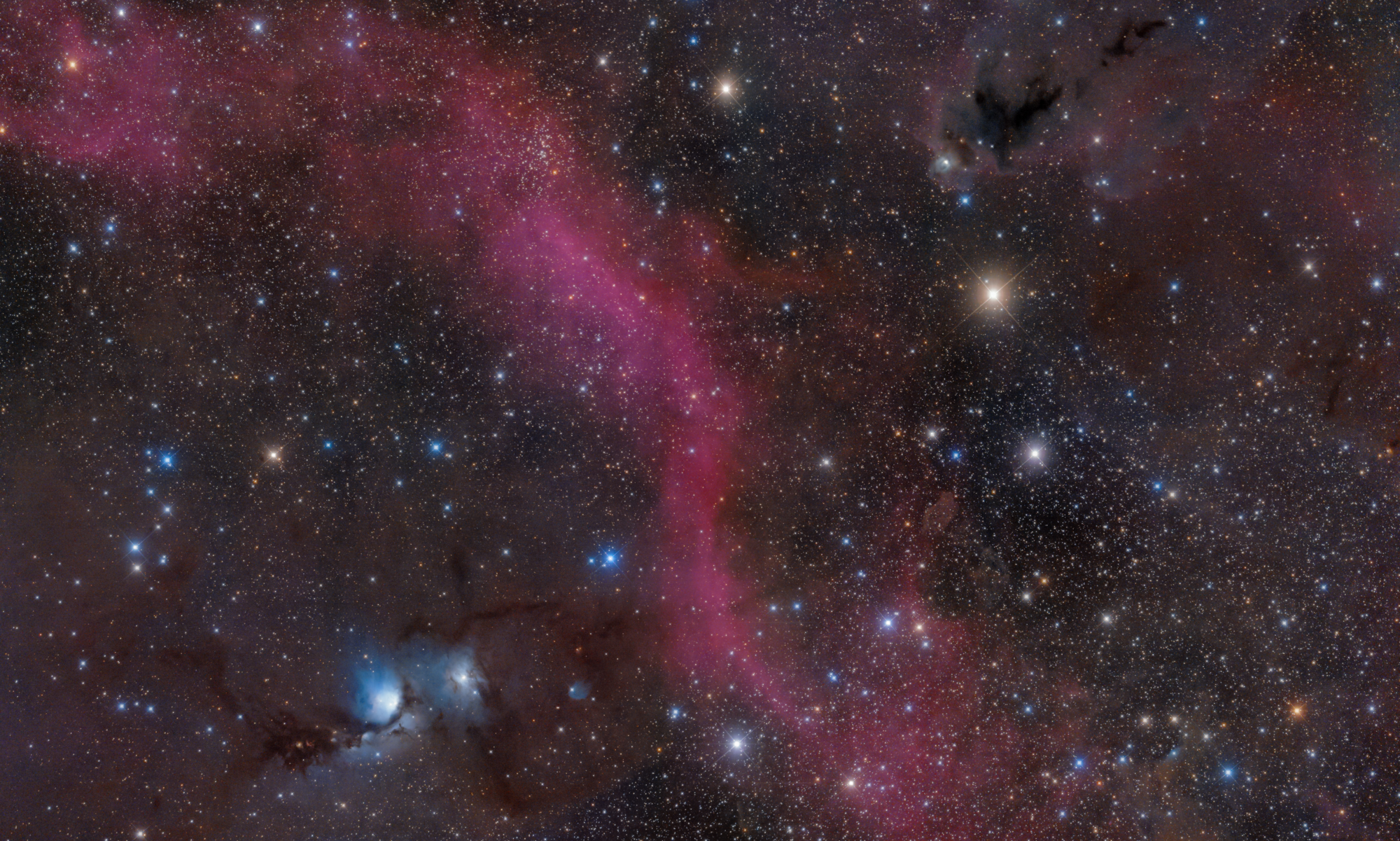

2026-10-09 APP 2.0.0-beta48 has been released !
This is mainly a bug fix release for the reported bugs in beta47. In addition it has a significant User Interface performance improvement noticable when you need to process 1000s of images in APP.
2026-10-03 APP 2.0.0-beta47 has been released !
This is a very big release... many code optimizations/rewrites, many parts of APP are much faster and more precise, especially star analysis and registration are much faster ! Big mosaics will go much faster 🙂
And we introduce a new preview filter, which includes the new Adaptive Deep Sky Stretch and a General Levels Stretch, this has been long over due. The old preview filter (the panel on the right side to stretch and preview your data) has not been updated for a couple of years and it is a critical part of any APP session.
Adaptive Deep Sky Stretch or ADSS is a much more intuitive stretch algorithm. It is also color preserving (which is a great new addition in itself ! ) which means that the highlights are no longer bleached, color is maintained from the linear data while stretching. You can simply stretch your data using the sky background level and signal width sliders which work much easier and more intuitive. You no longer need to fiddle with the old complicated sliders with zoom buttons. All the zoom buttons for the sliders are made redundant. And you can enter slider values in the slider value fields yourself. I will make a youtube video in the coming days to explain and fully introduce ADSS. Once the video is ready, it will be highlighted on the forum.
RGB Combine upgrade !. The RGB Combine Tool has been rewritten mostly. The tool is faster and easier to use and most importantly, the Luminance slider to inject a luminance channel or channels into the RGB composite is now working correctly. It no longer bleaches the RGB colors. Combined with the new ADSS preview, you will get much better and easier great composites with great color! I will also explain this in a new youtube video.
Hi.
Iam a newbie with APP. How can I calibrate a dslr data without darks? I have been watching tutorials, but I dont understand the workflow.
Hi @hanva,
Thank you for your question and welcome to the APP forum. My apologies for the delay in my response.
If you want to calibrate DSLR data without darks, you will need to use at least a masterbias if you are using flats as well. Are you?
(The hotpixels can be taken care of most efficiently by making a one-time BPM from a simple set of darks.)
Kind regards,
Mabula
I had a couple of occasions where I had to throw out my bias in order to integrate my hydrogen Alpha Subs. When I included it I got blank frame when I pulled it out of the mix I got it really nice image in hydrogen Alpha
Hi Greg, Probably a case of subtracting the bias pedestal twice then 😉
Next APP version 1.060 will not have that problem anymore...
Mabula
So, can someone please clarify the exact workflow of DSLR calibration without darks?
I normally calibrate with darks, flats, bias and bpm. Do I just leave the darks selection empty, or load my bias in there?
Also, do i have to dither? And which checkboxes do I need to select?
Cheers
Ok a number of questions here, some general advice;
- Always use darks when you have amp-glow, if not and you still want to remove bad-pixels, you will need at least a BPM (Bad Pixel Map) and you can leave the darks empty.
- Dithering is always advised as it removes any fixed pattern noise that might still be present and will therefore always improve your result. If you're under-sampling, dithering is even required to perform drizzling if you want that.
Dithering is done during the taking of photo's, no checkboxes needed in APP.
Ah, ok.
I have dithered in the past, but stopped recently due to mount backlash issues.
Thanks for the clarification.
Ah yes, backlash is fun isn't it. I wanted all of this to work nicely each time, so I even took apart my AZ-EQ6 and relubricated everything + changed some components. Got a nice feeling out of that for finetuning such a mount which is nice. It makes dithering and proper guiding work at least more stable. Good luck with it!
