

Mar 28 2026 APP 2.0.0-beta40 will be released in 7 days.
It did take a long time to have the work finished on this and it will have a major performance boost of 30-50% over 2.0.0-beta39 from calibration to integration. We extensively optimized many critical parts of APP. All has been tested to guarantee correct optimizations. Drizzle and image resampling is much faster for instance, those modules have been completely rewritten. Much less memory usage. LNC 2.0 will be released which works much better and faster than LNC in it's current state. And more, all will be added to the release notes in the coming weeks...
Update on the 2.0.0 release & the full manual
We are getting close to the 2.0.0 stable release and the full manual. The manual will soon become available on the website and also in PDF format. Both versions will be identical and once released, will start to follow the APP release cycle and thus will stay up-to-date to the latest APP version.
Once 2.0.0 is released, the price for APP will increase. Owner's license holders will not need to pay an upgrade fee to use 2.0.0, neither do Renter's license holders.
Hello and happy new year!
I'm trying APP and I think it is a great software of IP. I have few problems
this is the image after integration...all blu, If i do BG neutralization the colors are ok
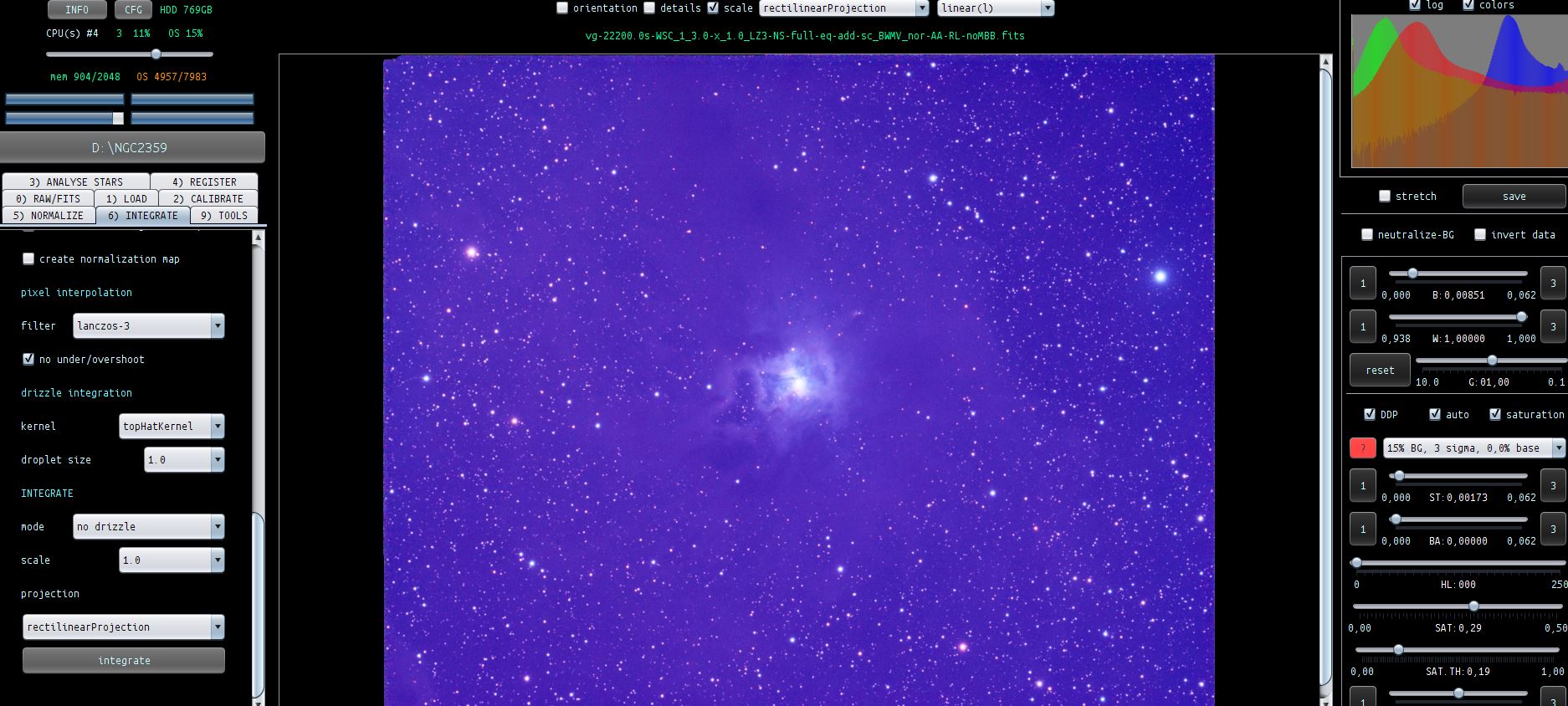
Then I go in calibrate background and the image becomes ok without touching anything..infact If i try to do the background calibration nothing change
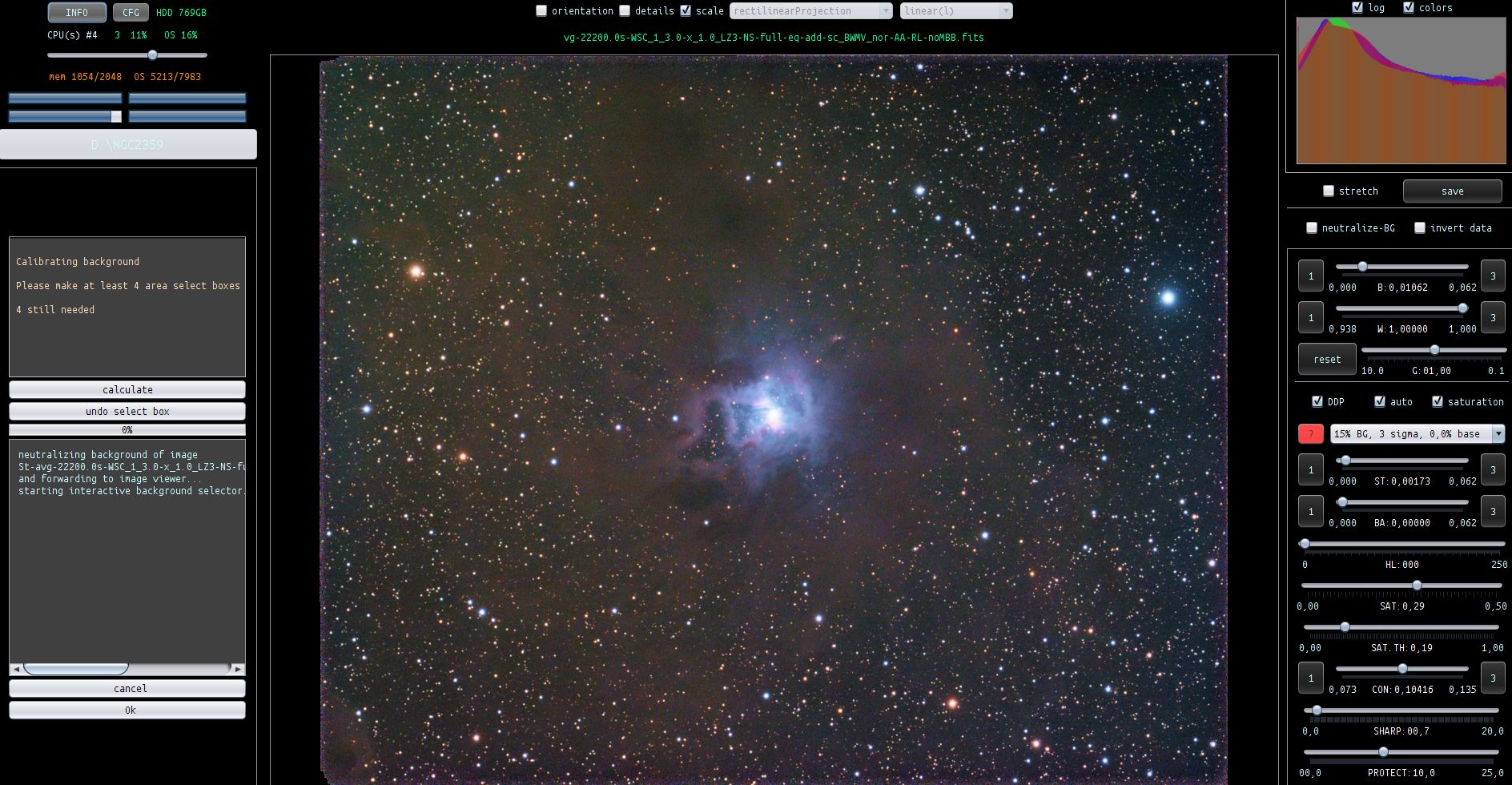
Then I use remove light pollution and calibrate star colors without problems
When I go in HSL selective color I have again a blu image and I must use BG normalization...why?
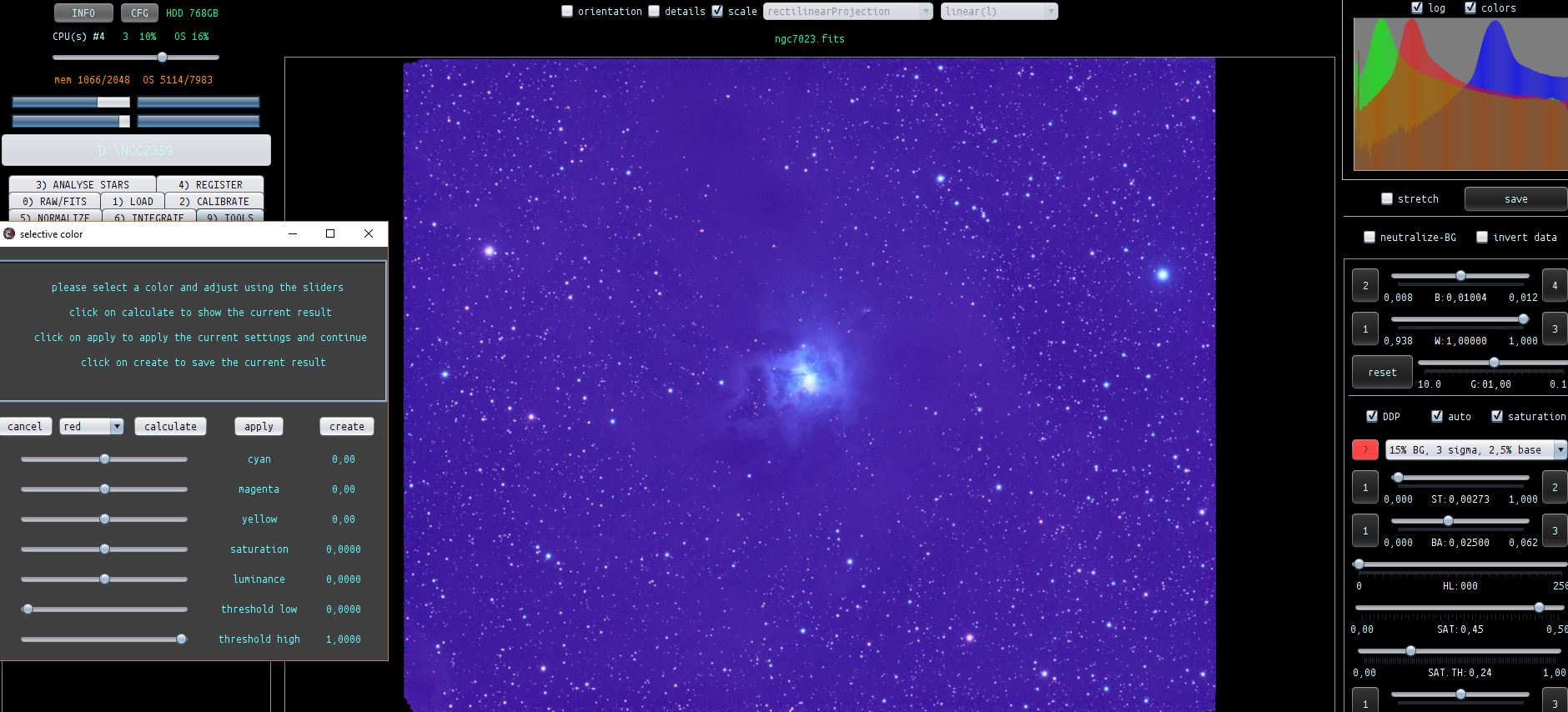
I'm also in difficult to use this tool, is there a complete guide?
Is there a filter with remove noise function?
Thanks
Giuliano
Hi Giuliano,
Happy 2018 and welcome to the forum 😉 !
Let me explain about the tools:
- the proper order to use the tools is from top to bottom in Tab 9)
- Background calibration and Background neutralization are 2 different things. Background neutralization will look similar to background calibration but is based on histogram data and will therefore surpress faint nebulosity. So always use background calibration and select pieces of the sky background clear of nebulosity.
- Use the background calibration tool on data that is flat, so this usually means after proper correction with the "remove light pollution" tool.
- The "remove light pollution" and "background calibration" tool, will always perform a background neutralization on your data when you start the tool. The reason is simple, this will help you in getting a good correction/calirbation, if the data isn't neutralized to start with, it will be much harder for you to place the area select boxes correctly.
- The "background calibration" tool will actually make your sky background gray, the remove-light pollution tool won't. It will only correct the gradients in your blue integration. Since the tool works by showing you background neutralized data to start with, you must realize that this neutralization isn't applied to your data when the light pollution is corrected. The correct way to get a gray background is to use the "background calibration" tool after the remove light pollution tool.
- Your blue itnegration must be the result of disabling "neutralize background" in 5) Normalize. This is no problem though, since you can correct this with the background calibration tool.
- The selective color tool will be soon upgraded and better integrated in the user interface.
- Noise removal function will soon come.
Let me know if this eplains APP behaviour 😉 and if you have more questions.
Kind regards,
Mabula
Mabula, When you said to use the tools in tab9 from top to bottom do you mean to say that these tools are performed on the individual channels before the RGB combine? Also, from the above I assume that we leave "neutralize background" in 5) Normalize as ticked but make sure we also use also background calibration in the correct order in tab9.
Top to bottom. vignetting tab only if you did not use Flats. Then in order do light pollution, background calibration, and start color calibration if you want to use it in that order
Mabula, When you said to use the tools in tab9 from top to bottom do you mean to say that these tools are performed on the individual channels before the RGB combine? Also, from the above I assume that we leave "neutralize background" in 5) Normalize as ticked but make sure we also use also background calibration in the correct order in tab9.
Hi Tim,
If you need to use the RGB combine tool to make a composite of different channels. Then things will be a bit different.
I would recommend to
- first correct each channel for light pollution and/or gradients with the "remove light pollution" tool.
- Then load the channels into the RGB combine tool and make your initial composite
- After that, you can proceed with background calibration and star color calibration. These last 2 tools only apply for multi-channel / color data.
Using "neutralize background" in 5) is a bit trivial to be honest. I use it myself all the time since it's easy and will give you a quick and better look at your data, but background neutralization should never be the final step in creating a grey sky background. Background neutralization is a simple histogram based way of neutralizing the overall colors in your data, but if you have weak nebulosity in your data, chances are big, this will be surpressed due to the background neutralization. Only proper background calibration will unsurpress it.
So just make sure, that background calibration is done to get a good grey background without surpressing nebulosity of any kind.
Cheers,
Mabula
Top to bottom. vignetting tab only if you did not use Flats. Then in order do light pollution, background calibration, and start color calibration if you want to use it in that order
Thanks Greg 😉
