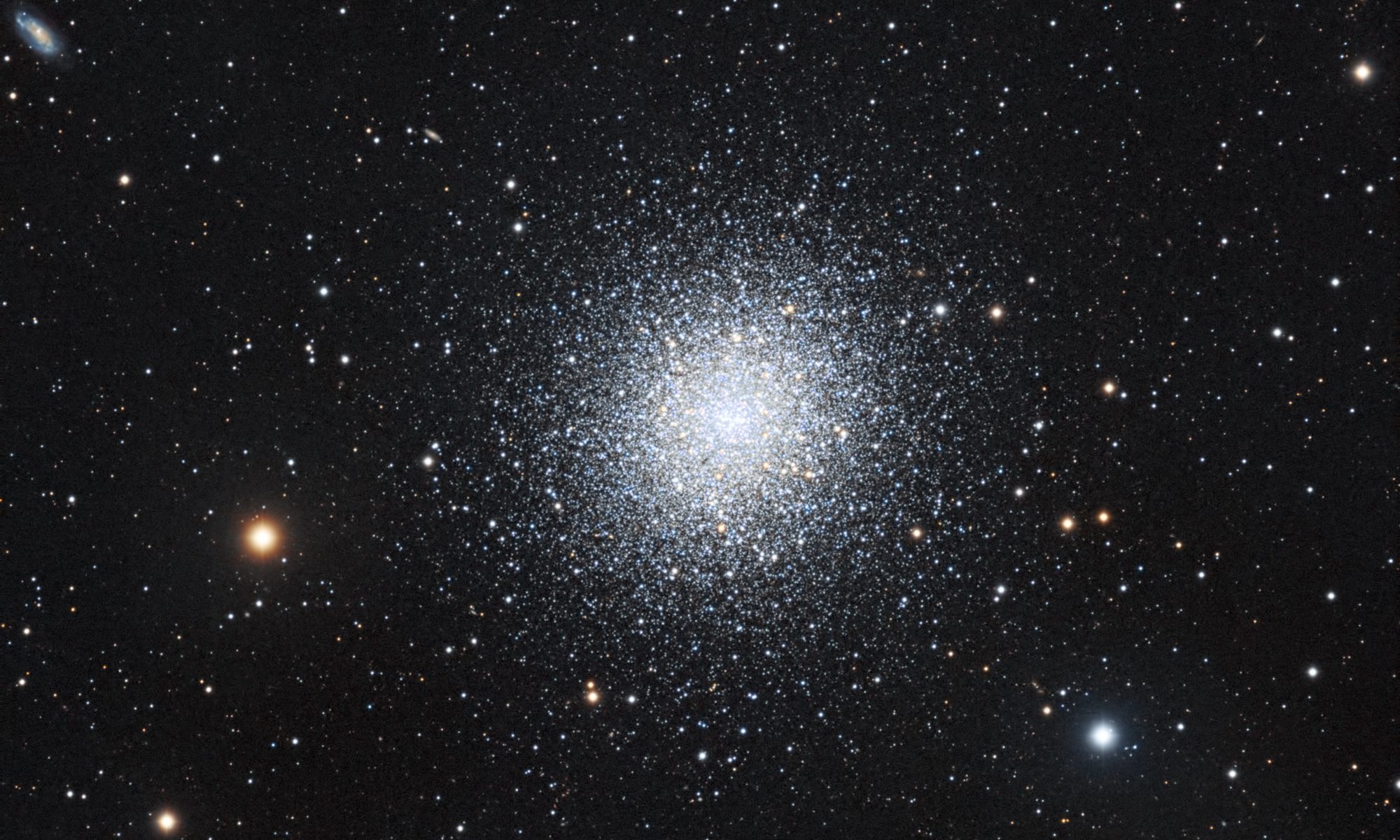

2026-10-09 APP 2.0.0-beta48 has been released !
This is mainly a bug fix release for the reported bugs in beta47. In addition it has a significant User Interface performance improvement noticable when you need to process 1000s of images in APP.
2026-10-03 APP 2.0.0-beta47 has been released !
This is a very big release... many code optimizations/rewrites, many parts of APP are much faster and more precise, especially star analysis and registration are much faster ! Big mosaics will go much faster 🙂
And we introduce a new preview filter, which includes the new Adaptive Deep Sky Stretch and a General Levels Stretch, this has been long over due. The old preview filter (the panel on the right side to stretch and preview your data) has not been updated for a couple of years and it is a critical part of any APP session.
Adaptive Deep Sky Stretch or ADSS is a much more intuitive stretch algorithm. It is also color preserving (which is a great new addition in itself ! ) which means that the highlights are no longer bleached, color is maintained from the linear data while stretching. You can simply stretch your data using the sky background level and signal width sliders which work much easier and more intuitive. You no longer need to fiddle with the old complicated sliders with zoom buttons. All the zoom buttons for the sliders are made redundant. And you can enter slider values in the slider value fields yourself. I will make a youtube video in the coming days to explain and fully introduce ADSS. Once the video is ready, it will be highlighted on the forum.
RGB Combine upgrade !. The RGB Combine Tool has been rewritten mostly. The tool is faster and easier to use and most importantly, the Luminance slider to inject a luminance channel or channels into the RGB composite is now working correctly. It no longer bleaches the RGB colors. Combined with the new ADSS preview, you will get much better and easier great composites with great color! I will also explain this in a new youtube video.
Hi. I have gathered all the OSC panels for the second half of my full Milky Way mosaic, however they are not registering correctly. I am using exactly the same settings as I used on my Carina to North America mosaic which worked very well
From the attached images you can see that the Vela region by itself registered ok as did the region from Orion to Taurus, but registering all together fails.


I have tried 2.0.0 betas 4 and 13 and both fail quite badly. (13 worse than 4)
I reverted to 1.83.2 and it seems to do a better job but still not right with just a few panes not registering and highly distorted.
Can you suggest what might be going wrong ?
Important Settings as follows :
Analyse stars set to 10,000
Mercator projection 40mm / 4.63um pixel size
Registration pane changed to somewhere near the middle of the mosaic (reduces distortion of the finished mosaic)
Pattern recognition : triangles
Scale start : 1 / Finish : 15
Dynamic distortion on / same camera and optics off
Other notes : Not all panes are exactly the same size. Most are 4137x2815 +/- 2 pixels but one is 4121x2796 and one is 4137 x 2837. (from my previous successful Milky Way I found they had to be very similar in size) Also I think a couple of pane pairs have only about 10% overlap
Any advice would be much appreciated.
Thanks,
Kelvin Hennessy
That looks like the dynamic distortion correction going wrong. Could you try to see what happens when you switch that off when you combine both regions? I also think you don't need 10.000 stars, try it with 2000 on the latest beta.
@vincent-mod thanks for the advice. I ended up going back to basics using the settings from the old mosaic tutorial on this site, then gradually added different processing combinations over a couple of days. Here is a draft version of the processed results. I still have much work to do on the doubled-up stars in certain areas and different star sizes between some panes - I consider this quite messy. I will likely capture some more frames with the dual OSC camera rig on pane-pairs where there is small overlap which clearly causes problems. (as well as capturing Hydrogen Alpha & Oiii panels to blend in sometime in the future )
For anyone who is interested here are my settings:
Roughly 7 x 4 mosaic using dual cameras : ASI294MC Pro & Sigma 40mm F/1.4 at F/2.8 plus CentralDS modified Canon 6D & Sigma 85mm F/1.4 at F/2.8
All images per pane integrated with calibration frames (flats / dark flats / darks) and light pollution removed.
All panes then registered & integrated in mosaic mode with the following settings
APP version 2.0.0.beta13
10000_stars analysed
Quadrilaterals Scalestart 5 Scalestop stop 10 Integration reference changed to a panel near the middle
Dynamic distortion on
Same camera and optics on
MBB 20 / LNC 2 iterations 5
Integration Scale 1.0 (1.6GB output TIF file ! )
Saved as 15% BG 3 sigma 2.5% base Adobe_RGB_1998
Star and starless layers separated in Photoshop using RC Astro StarXterminator
Noise removal via RC Astro NoiseXterminator


Star reduction using RC Astro StarShrink
