

May 27 2026 APP 2.0.0-beta45 has been released !
Fully Multi-Threaded LNC, many improvements for the registration engine, platform upgrade, and further tuning of internal memory consumption and memory release back to OS.
Apr 14 2026: Google Pay, Apple Pay & WeChat Pay added as payment options
Update on the 2.0.0 release & the full manual
We are getting close to the 2.0.0 stable release and the full manual. The manual will soon become available on the website and also in PDF format. Both versions will be identical and once released, will start to follow the APP release cycle and thus will stay up-to-date to the latest APP version.
Once 2.0.0 is released, the price for APP will increase. Owner's license holders will not need to pay an upgrade fee to use 2.0.0, neither do Renter's license holders.
Hi - I'm stacking 90 of 125 subs, 300&600 seconds in the Ha-Oiii color algorithm. 14 hours of integration over 4 nights. SH2-91.
Scope - Takahashi 106n
Camera - 071mc cool
Filter - Triad Ultra quad-band
Mount - CEM70g
Attached is a small section of the stacked result screenshot. Is there something wrong with the 'muddy' stars in the background? They don't seem right to me. What could I do? I know this is a very rich star field. Does that affect the result? Is my equipment not able? I know my filter has halos on bright stars. No Drizzle and
HaOiii algo.
Thanks for your advice.


This looks like a processing artefact, what steps did you use to produce the image?
I have tried several combinations. Each with the same basic result. I tried the HaOiii and the Adaptive Airy disk algorithm. I tried scaling master dark and master dark flat. Tab 3 defaults. Tab 4 scale stop 10. Tab 5 defaults. Tab 6 - integrate all, Average, adaptive rejection, kappa high 3.5, no LNC, MBB @ 14%, lanczos-3, droplet 1, interpolation mode scale 1.
This additional attached image is 70% of 102 subs using the settings listed above using Ha-Oiii color. The JPG is the result of a simple stretch. No additional processing was done.
Thanks again.
Andy

Very strange, I have to have a look at the data itself to be able to see what might be going on. If you want you can upload let's say 20 lights and your calibration data to our server:
Greetings,
Here is an update.
I stacked the lights one session at a time. I have 3 sessions. After the integrations were finished I loaded them as lights into APP. Finally I integrated them into one 'master' image.
None of the individual sessions showed the problem indicated in the first message of this group. When I combined the sessions there is no indication of the problem mentioned above. I have attached a small file size tiff of that master. It is not a perfect image but is quite useable.
Now my question:
Do you want to continue with having me upload a subset of lights et al for your review? If you believe it would be helpful toward eliminating those artifacts I would be willing. Would we actually be able to replicate the issue based on a subset?
Let me know what you think and I will try to help.
Regards,
Andy
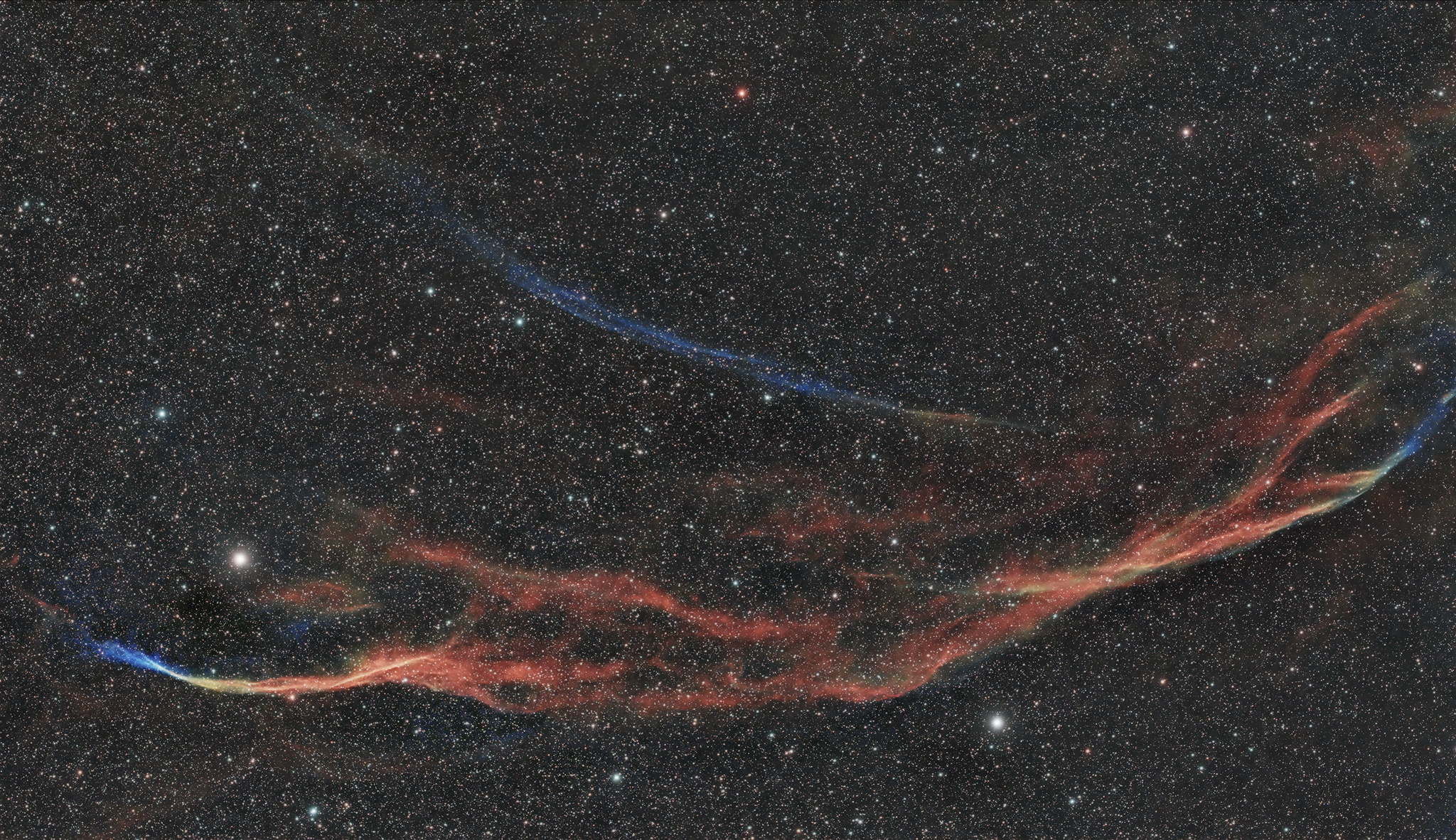
Yes please upload the requested data, I can't analyze it further without it. Just upload a subset that you know causes the issue, together with calibration data.
I uploaded 5 or 6 files from each session and the master calibration files that were created by APP. Should something more be helpful please advise me.
Regards,
Andy
Sorry for taking a bit longer; I saw the 3 different masterflats and didn't quite understand the difference between them. I chose 1 that looked ok to me (3+ seconds exposure) and when checking the lights in calibrated mode, which you can select on top of the preview image, a light calibrated fine. So I went to tab 6, pressed integrate (all settings default) and this came out:

So that looks normal. Now for the narrowband settings.. this is a zoom in for Ha-OIII color:

I'm not sure, but I suspect some of your settings or something in the flats was going wrong. I used default settings here.
