

2026-10-09 APP 2.0.0-beta48 has been released !
This is mainly a bug fix release for the reported bugs in beta47. In addition it has a significant User Interface performance improvement noticable when you need to process 1000s of images in APP.
2026-10-03 APP 2.0.0-beta47 has been released !
This is a very big release... many code optimizations/rewrites, many parts of APP are much faster and more precise, especially star analysis and registration are much faster ! Big mosaics will go much faster 🙂
And we introduce a new preview filter, which includes the new Adaptive Deep Sky Stretch and a General Levels Stretch, this has been long over due. The old preview filter (the panel on the right side to stretch and preview your data) has not been updated for a couple of years and it is a critical part of any APP session.
Adaptive Deep Sky Stretch or ADSS is a much more intuitive stretch algorithm. It is also color preserving (which is a great new addition in itself ! ) which means that the highlights are no longer bleached, color is maintained from the linear data while stretching. You can simply stretch your data using the sky background level and signal width sliders which work much easier and more intuitive. You no longer need to fiddle with the old complicated sliders with zoom buttons. All the zoom buttons for the sliders are made redundant. And you can enter slider values in the slider value fields yourself. I will make a youtube video in the coming days to explain and fully introduce ADSS. Once the video is ready, it will be highlighted on the forum.
RGB Combine upgrade !. The RGB Combine Tool has been rewritten mostly. The tool is faster and easier to use and most importantly, the Luminance slider to inject a luminance channel or channels into the RGB composite is now working correctly. It no longer bleaches the RGB colors. Combined with the new ADSS preview, you will get much better and easier great composites with great color! I will also explain this in a new youtube video.
Hi, I noticed that my flat frames (NB S2) without the amp glow setting for my 183MM Pro gives perfect calibration of my lights but ofcourse ampglow still visible in the final image. When I leave all settings as is and select reduce amp glow, indeed the amp glow diminishes but I see that the flats did not calibrate out the lights and I am left with an images that looks like it has no flats applied.
How can I resolve this, if at all possible?


Hi Dick,
I am no expert, but I bought a 183MM Pro last year after having the 183MC Pro and it seems to me this camera is a little more difficult than the newer cameras in regards to using with narrowband since the background is not as clean. I have not had any issues with the amp glow or flat frames but I have seen issues with banding or grid patterns in stacked images. I have read that with this camera you should check the "adaptive pedestal/reduce Amp-Glow" to remove the amp glow. However, I don't think that should effect the flat frame calibration. The top photo does look like it is stretched more which I think may show more inconsistencies in the background. Since I don't think the amp glow reduction should effect the flat calibration, my only thought would be trying the "remove light pollution" tool after stacking and see if that would even out the background.
Tom
Amp Glow setting? Never heard of it. Flats are short exposures and so do not exhibit amp glow. The only way to get amp glow out of your lights is to calibrate them with darks of the same exposure.
That is a setting when integrating your lights in app....check it out.
Ofcourse I calibrate with flats and flats have no ampglow but the darks do!
The thing is , deselect amp glow reduction and you get amp glow and perfect calibration of the images with the flats and darks and biases. Select it and no amp glow but the flats will not be used well for calibration and dust and vignetting from the lights is visible like no flats were used.
That is the issue and it only shows in app with the same dataset ,not in pi and not in siril.
@tfergu01 thanks, I have the opposite , my 183mm is clean and the 183mc is not. The thing is, I don't understand why my flats are not used well to calibrate when I select the amp glow reduction, it works well and there is no amp glow in the final image but the flats did not take of the vignetting and dust. It is like no flats were used...it remains a mystery to me, since in other stacking programs I don't see that happening.
I know I'm not being helpful but can you send a screenshot with the ampglow setting. I can't find it.
I know I'm not being helpful but can you send a screenshot with the ampglow setting. I can't find it.
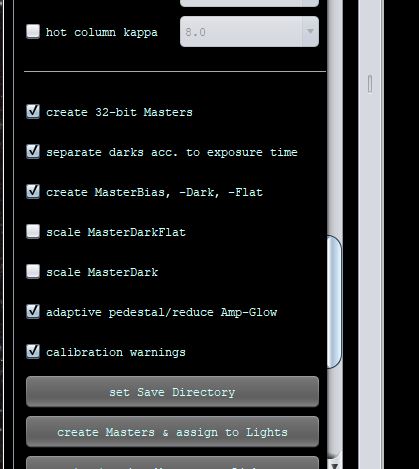
Hi Dick, with my lastest photos I used the new orange (I think, I am colorblind) round usb 3 cable instead of the old flat one I got with my color camera and unbundled the dew heater cables from the camera cable and I think that helped, may have been some interference? Stacked photos seem cleaner now. In regards to the flat frames, you may need to download some shots to have Mabula or one of the moderators test them on their computer. I have read some posts recently where people were saying they could not get anyone to answer their questions. Hopefully you can get one of the experts to help you out. Sure seems like the amp glow setting should not effect the flat frame calibration at all. Astrogee, the amp glow setting is on the "2 Calibrate" page at the bottom. I will try to attach a screenshot.
Good luck, Tom
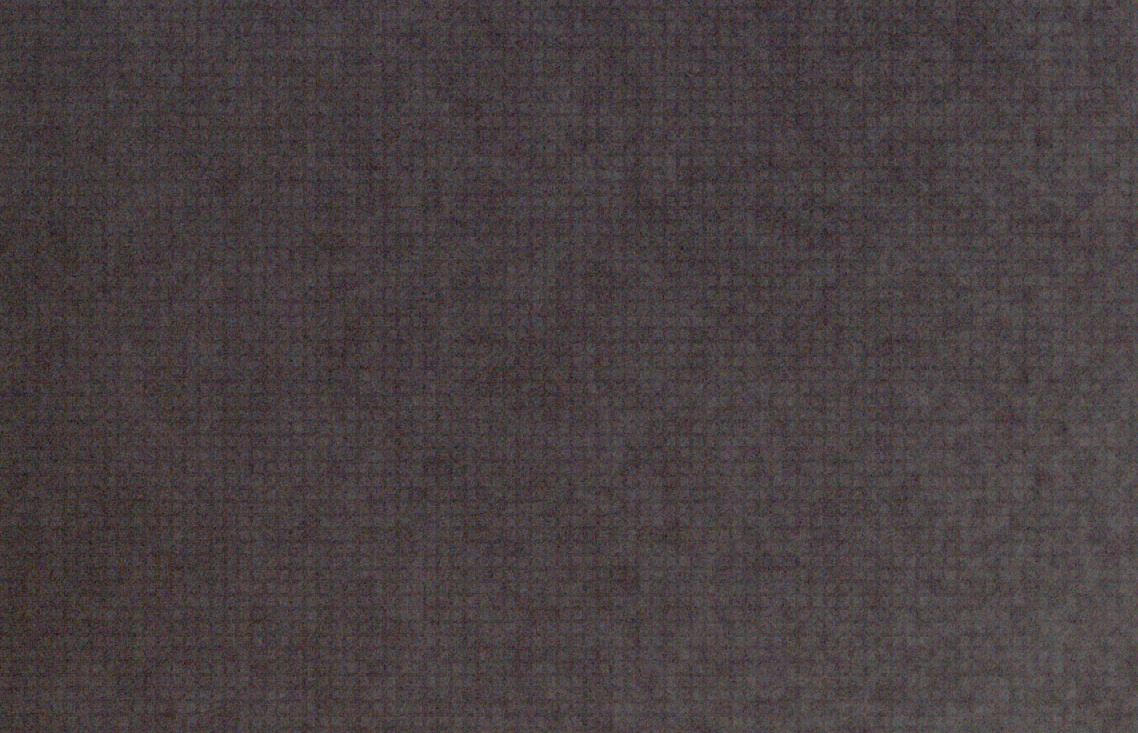
Hi Dick, my latest photo does still have a grid pattern in it. This is a close up of my master flat frame. I don't know if this is introducing the pattern. I would think if the pattern was in the sub frames this would take it out. I may try to bring the flat frame into GIMP and apply a blur to get rid of the pattern and then process in APP to see if that works. Have you seen anything like this with your 183MM?
Tom
@tfergu01 hi Tom, no I did not notice this in my flats. Is this also happening with a Master flat generated by e.g. SiriL? You could check that. In my case I still don't understand the weird calibration issues when hitting the amp glow reduction option. Perhaps just buy camera without amp glow 🙂
Hi Dick, I see now what setting you are talking about - "adaptive pedestal/reduce amp-glow" - thanks Tom. Unfortunately it is a little deceiving because the setting doesn't actually reduce amp-glow per se, it just helps dark calibration by using an adaptive pedestal. In general, the pedestal alway is a good idea to use and helps with dark calibration to prevent black clipping. So don't let it confuse you. You still have to use good dark frames to get rid of the amp glow. And if the amp glow is severe enough, you may get some slight artifacts but usually the darks do a good job. If dark calibration can't get rid of amp glow then you just have to use shorter exposures to reduce the amp glow in the camera.
Be careful with zooming in on images. The grid may be in the viewer image only. I'm not sure why its done but I've seen grids when zooming in with RAW viewers.
About the flats. The recommended practice now is to use dark flats to calibrate flats, instead of bias frames. Dark flats are the same exposure but with the lens covered and the camera noise is a better match to the flat.
For example, do you see the grid in my dark flat here - using AstroimageJ for viewing:

@sjako65 Yeah, it's too bad the 183 has amp glow, although the darks do a good job of eliminating it. Other than that and the grid pattern I am seeing it really works great with a small scope like the Redact51. I may have to fiddle with Siril this weekend to see if it works differently. If the grid is in the subs, will the master dark remove it? And would the master dark flat remove it from the master flat? Seems like somewhere it is either not being removed or being added. @astrogee The reason I zoomed in on the flats was because I was seeing a grid pattern in my final photo and was trying to find out where it was coming from. However, the grid pattern in the final photo seems bigger than the grid pattern in the master flat.
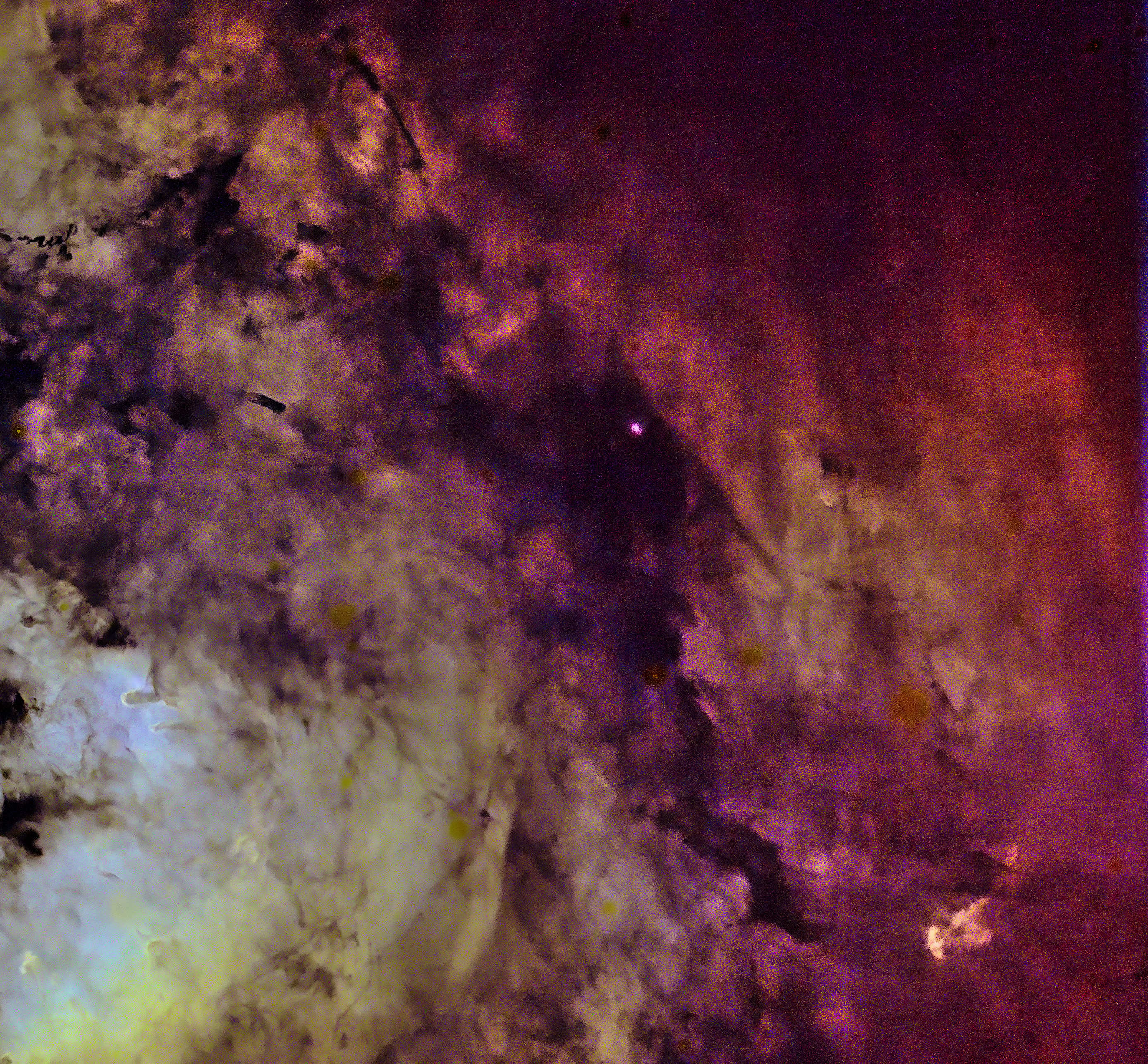
Hi Dick, I stacked my Ha, OIII, and SII subs in Siril then brought them into RGB combine in APP to process and then into GIMP and I did not notice a grid pattern when stretching hard. I will have to do some more comparisons with my next data to see if I get the same results. Thanks for the suggestion. Unfortunately I was cleaning up some files because APP told me I was low on disc space and I think I erased the Siril stacks. Oh well, easy enough to do again if I want to. As long as I don't try to stretch too far the APP stacks do still work. This is my photo of Sh2-171. Still no answer on the flats?

