2026-10-09 APP 2.0.0-beta48 has been released !
This is mainly a bug fix release for the reported bugs in beta47. In addition it has a significant User Interface performance improvement noticable when you need to process 1000s of images in APP.
2026-10-03 APP 2.0.0-beta47 has been released !
This is a very big release... many code optimizations/rewrites, many parts of APP are much faster and more precise, especially star analysis and registration are much faster ! Big mosaics will go much faster 🙂
And we introduce a new preview filter, which includes the new Adaptive Deep Sky Stretch and a General Levels Stretch, this has been long over due. The old preview filter (the panel on the right side to stretch and preview your data) has not been updated for a couple of years and it is a critical part of any APP session.
Adaptive Deep Sky Stretch or ADSS is a much more intuitive stretch algorithm. It is also color preserving (which is a great new addition in itself ! ) which means that the highlights are no longer bleached, color is maintained from the linear data while stretching. You can simply stretch your data using the sky background level and signal width sliders which work much easier and more intuitive. You no longer need to fiddle with the old complicated sliders with zoom buttons. All the zoom buttons for the sliders are made redundant. And you can enter slider values in the slider value fields yourself. I will make a youtube video in the coming days to explain and fully introduce ADSS. Once the video is ready, it will be highlighted on the forum.
RGB Combine upgrade !. The RGB Combine Tool has been rewritten mostly. The tool is faster and easier to use and most importantly, the Luminance slider to inject a luminance channel or channels into the RGB composite is now working correctly. It no longer bleaches the RGB colors. Combined with the new ADSS preview, you will get much better and easier great composites with great color! I will also explain this in a new youtube video.
Hi!
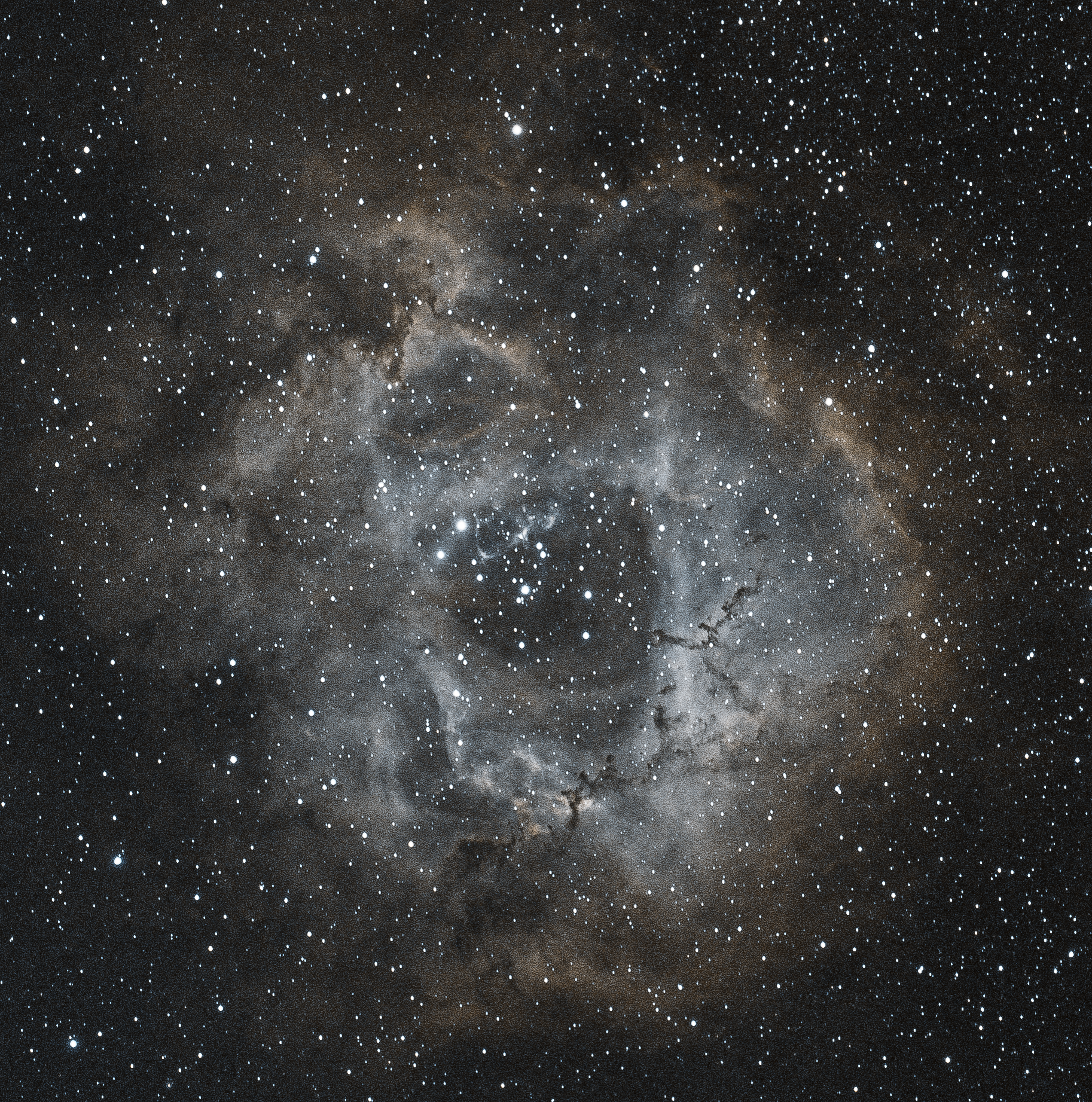
i see so many colourful images with blues, yellows and reds however with all my images I just see red and it’s beginning to make me see red! Still a beginner with APP. Is there a way of getting more different colours out of my Redcat 51, zwo 533mc with optolong l-extreme? Old image attached. Currently working on elephants trunk. Cheers!

There are different ways to go about this, but you should first understand what your filter is doing. It is designed to block out light pollution and only allow light through at 2 narrow bandwidths where OIII and HA wavelengths reside. This blocks out unwanted light pollution and enhances the HA and OIII regions. If you are like me and understand better with visual representations, then the first image displays the visible spectrum and at what wavelength colors reside. The second image shows where on that scale the L-Extreme allows light to pass through. Keep in mind that of the visible mass in the universe, Hydrogen makes up about 73% of that.
Now for those other colors you have options. I mostly capture with a monochrome camera and filters now and the best way to mimic that is to capture your L-Extreme data as per usual and then also capture some unfiltered data or maybe use an L-Pro if you are in an area with light pollution. Load up the data in APP with multi-channel/filter check marked and in tab 0 select HA-OIII extract Ha and run the integration then after it finishes select HA-OIII extract OIII and run it again. You could then integrate again for the Empty/L-Pro and then separate the RGB and combine them all using combine RGB and adjust the sliders to get the look you are after. You can also just capture the L-Extreme data and extract the separate Ha and OIII and then also run the integrate a third time after selecting HA-OIII mono in tab 0 and using that as the SII channel for combining in the Hubble Palates. The best way to learn this is to click on the tutorials section of the forums and the top 2 pinned posts will walk you through far better than I can. They are Ha + OIII Dual Narrowband Workflow and Combining RGB with Ha and OIII. The second is for the L-Enhance, but the method is still the same.


Wow!! Huge thanks for the detailed response! A lot to learn here but you’re response gives me hope. Many thanks for taking the time to respond. Greatly appreciated. Best regards, Rob
Hi @robster,
Where you able to get more colors in your images now? Or do you need more assistance?
@minroadkill, thanks for the great help here 😉 !
Hi! Yes, thanks! I’m still at the rock banging stage with this software but slowly but surely I seem to be getting somewhere. A basic question if I may? As I dive deeper into APP I’m asking myself why do I have Adobe Lightroom? Is there really any benefit for me other than having less money each month?