
June 24 2026 APP 2.0.0-beta46 has been released !
Improved internal memory configuration (lower ! memory usage), fixed beta45 startup issue, fixed Set Save Directory & 2-panel mosaics.
May 27 2026 APP 2.0.0-beta45 has been released !
Fully Multi-Threaded LNC, many improvements for the registration engine, platform upgrade, and further tuning of internal memory consumption and memory release back to OS.
Apr 14 2026: Google Pay, Apple Pay & WeChat Pay added as payment options
Update on the 2.0.0 release & the full manual
We are getting close to the 2.0.0 stable release and the full manual. The manual will soon become available on the website and also in PDF format. Both versions will be identical and once released, will start to follow the APP release cycle and thus will stay up-to-date to the latest APP version.
Once 2.0.0 is released, the price for APP will increase. Owner's license holders will not need to pay an upgrade fee to use 2.0.0, neither do Renter's license holders.
Hi.
I've been following this famous workflow since the beginning: https://www.astropixelprocessor.com/community/tutorials-workflows/combining-r-g-b-with-ha-oiii-data-using-an-optolong-l-enhance-filter/
to have a good, real stars color in the final image.
But since single R,G,B channel is split by 50% within LPro and Extreme filter in equal weight (R: 50% extract-Ha, 50% R-LPro, G and B: 50% extract-O3, 50% G-B LPro), I wonder if star colors are really the most accurate as real as possible...
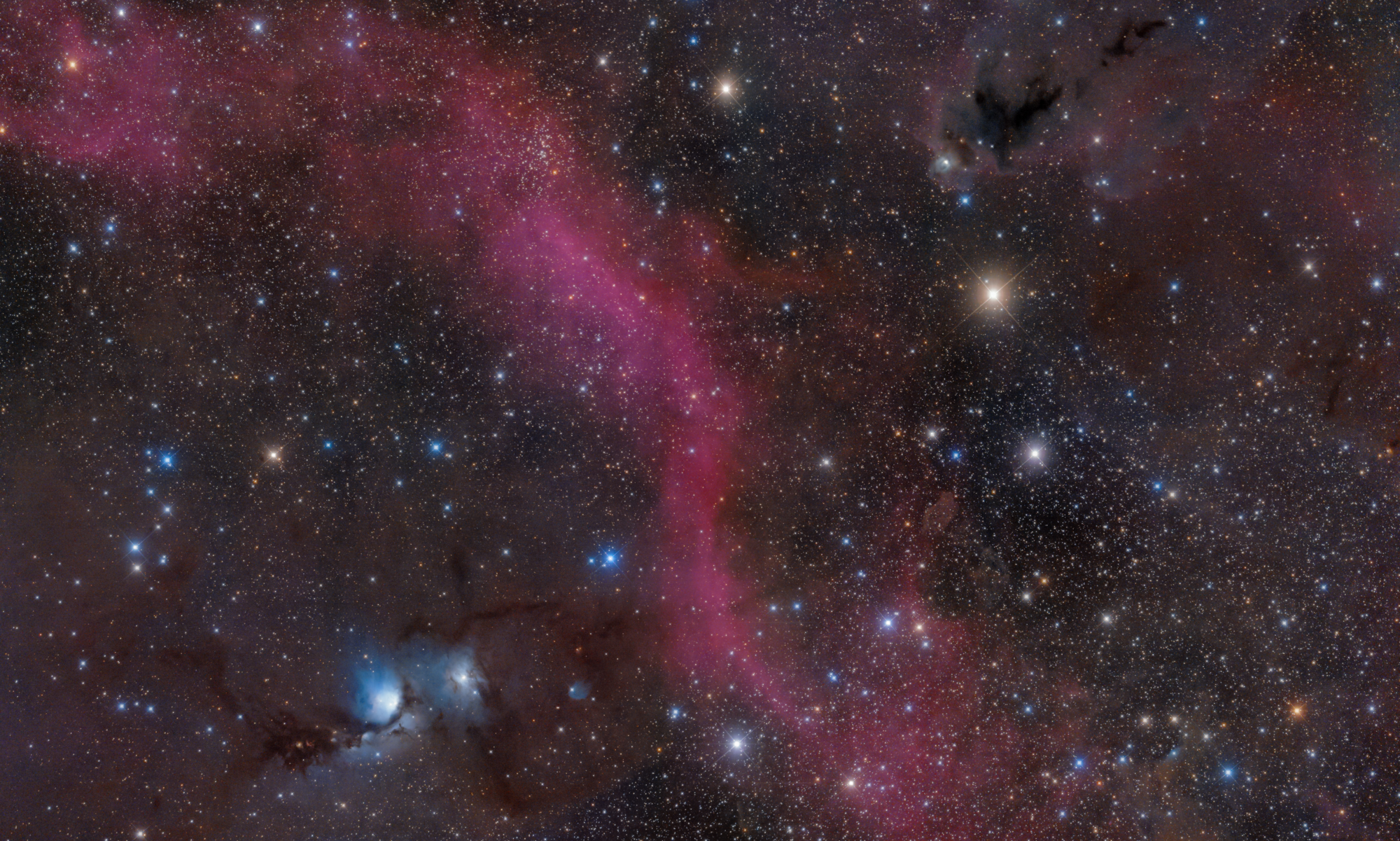
LPro (split in single R,G,B channels) + L-eXtreme (split in extract Ha and O3) combined in RGBHOO

just L-eXtreme (split in extract Ha and O3) combined in HOO1

For my taste, there is an improvement in the first image, but not as noticeable and clear as I would expect to see...
What is a good workflow to obtain the most accurate and real star color?
Thanks
Hi Ippiu,
Yes when dealing with narrowband data and mixing that with RGB (which usually is of lower intensity), it can be quite challenging to get proper star colors. This is why many in other packages remove the RGB stars and add those back into the narrowband data. This is something that will be possible in a future version of APP as well and the star removal feature is a way towards that goal. In the mean time, I think more data on RGB will help and reducing the amount of narrowband added to the mix. It's a balance.
@vincent-mod
Very clear...
Thanks...
With LPro filter, oher than adding true star color to narrowband data, what else can I add with LPro filter to final image obtained only with narrowband data?
I made some tests, and honestly I can't see much difference from LPro+ L-eXtreme image - compared with just L-eXtreme image (both obtained with RGB combine tool)...
So, to be honest, is it worth to double the imaging time for a slight improvement?
Well, good question, maybe longer exposed RGB data is better then. Did you try to lower the amount of narrow band data in the resulting image?
Did you try to lower the amount of narrow band data in the resulting image?
Not yet...On the contrary, I'm doing test on only few RGB data (just 4 hours) compared to 10 hours of narrowband data...
So perhaps you are right: I should add more RGB data, at least the same as narrowband, and then re-do the test...
