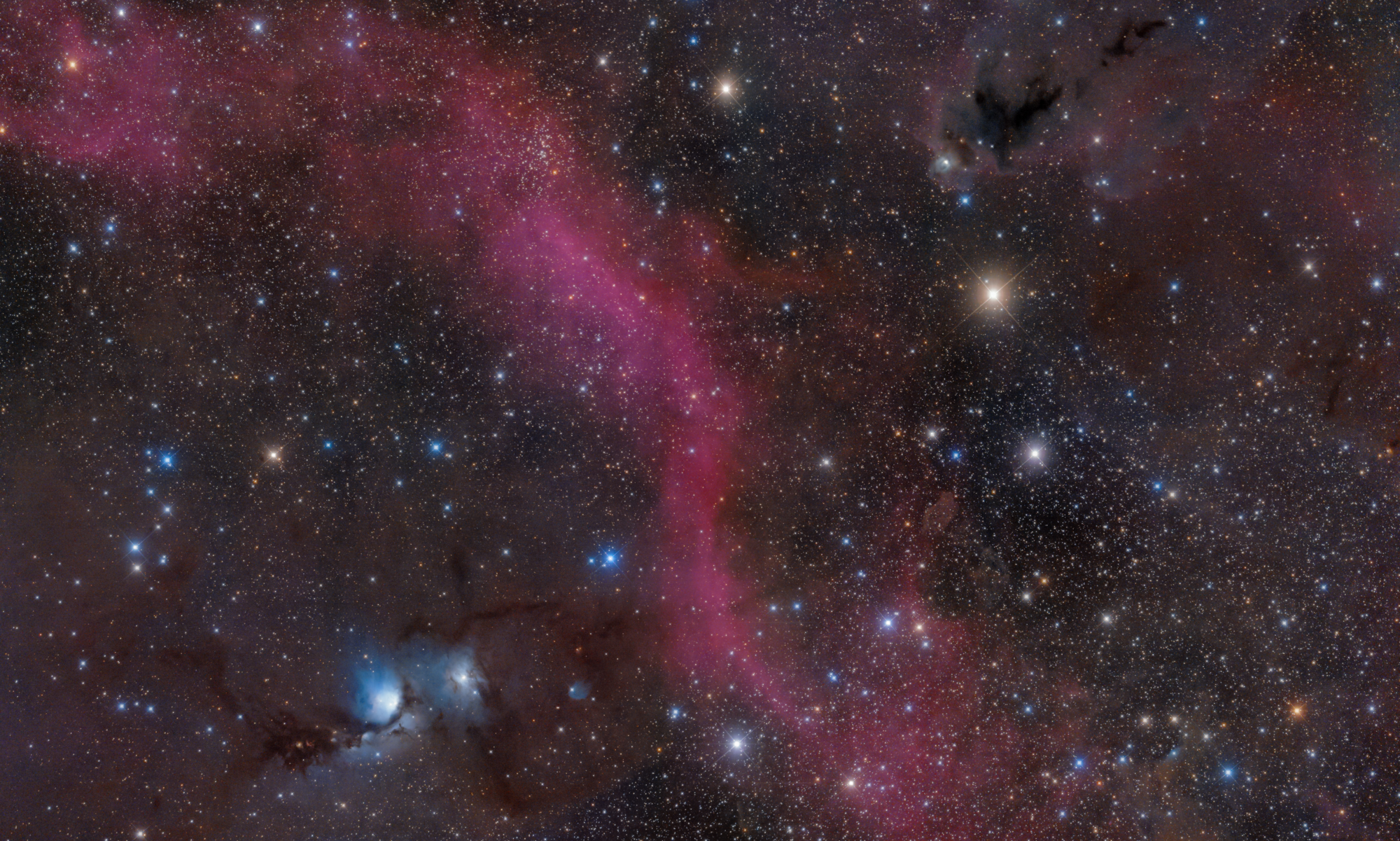

2026-10-09 APP 2.0.0-beta48 has been released !
This is mainly a bug fix release for the reported bugs in beta47. In addition it has a significant User Interface performance improvement noticable when you need to process 1000s of images in APP.
2026-10-03 APP 2.0.0-beta47 has been released !
This is a very big release... many code optimizations/rewrites, many parts of APP are much faster and more precise, especially star analysis and registration are much faster ! Big mosaics will go much faster 🙂
And we introduce a new preview filter, which includes the new Adaptive Deep Sky Stretch and a General Levels Stretch, this has been long over due. The old preview filter (the panel on the right side to stretch and preview your data) has not been updated for a couple of years and it is a critical part of any APP session.
Adaptive Deep Sky Stretch or ADSS is a much more intuitive stretch algorithm. It is also color preserving (which is a great new addition in itself ! ) which means that the highlights are no longer bleached, color is maintained from the linear data while stretching. You can simply stretch your data using the sky background level and signal width sliders which work much easier and more intuitive. You no longer need to fiddle with the old complicated sliders with zoom buttons. All the zoom buttons for the sliders are made redundant. And you can enter slider values in the slider value fields yourself. I will make a youtube video in the coming days to explain and fully introduce ADSS. Once the video is ready, it will be highlighted on the forum.
RGB Combine upgrade !. The RGB Combine Tool has been rewritten mostly. The tool is faster and easier to use and most importantly, the Luminance slider to inject a luminance channel or channels into the RGB composite is now working correctly. It no longer bleaches the RGB colors. Combined with the new ADSS preview, you will get much better and easier great composites with great color! I will also explain this in a new youtube video.
I'm struggling with my flat-fielding and I love how "Remove Light Pollution" helps me fix remaining gradients (I can remove most of this stuff with the flat fields, but something always remains) - but I'm wondering if the "Remove Light Pollution" tool couldn't somehow be used to generate a correction image which could be applied to multiple different images - I regularly do mosaics where most of the remaining gradients are very similar across multiple parts of the mosaic, but due to the presence of nebulosity across part of each image, it's hard to apply consistent correction - being able to apply the correction from one image to another might help get closer, perhaps this could be implemented as some kind of secondary flat-field?
Hi Bart,
Thank you for your question.
- Do you have trouble with creating good flats?
- Or applying the flat calibration in APP?
- Or do your flats correct all vignetting and dust spots properly?
I think I can create some form of batch modus for the remove light pollution tool, but this will only work on images with the same field of view. And for each image a correction image still needs to be calculated, because the light pollution gradients actually change pretty fast, especially in urban areas.
So the batch modus would use the same areas in registered images to calculate a correction image for each image.
The light-pollution gradients change in as less as 5 minutes, I have tested this. This is due to the moon rising/setting, lights getting turned on/off, change in atmospheric conditions on short time scales.
So, a single correction image to use for different mosaic panels would never give satisfactory results I think. However, I will implement the option that you can see the correction image/model so you can store it stretched as a JPG for instance. And then you will be able to compare the models for all the panels.
You'll probably see clear differences arising, but probably the linear parts of the gradients are almost the same, and that could help you then in correcting the different panels by giving you a visual comparison between the models. If the models are pretty similar, than you can accept it, otherwise, you know chances are big that a model is not satisfactory.
Kind regards,
Mabula
The trouble is in creating good flats - I'm using a 50cm Truss-tube Newtonian and I'm optimizing bit by bit - the current light shroud isn't perfect (yet) and I'm still looking for better baffling in multiple spots to reduce light bleed, but in the mean time I want to use any clear nights I can for actual observing. Getting rid of vignetting & dust works perfectly, it's the remaining stuff that bothers me more, it's considerably smaller in scale than dust&vignetting, but still too much, particularly on very extended subjects where there's little to no actual dark sky for reference - I'm working at 1500mm FL with an ASI1600, so for galaxies and planetary nebulae it's easy to correct, but for extended nebulosity and the big two, M33 & M31 there's no reliable way to reduce the gradients based on a single frame (or stack) to allow good mosaicking.
I'm not expecting a magical complete solution, but this might help me get rid of the more constant parts of the gradient, reducing the remaining gradient.
At any rate, the ability to store the model as a stretched JPEG would be very interesting as well, as it would allow me to judge how constant this is and if there's some method in the madness (though of course stretching wouldn't provide a good estimate of how big the correction itself is, since small and big gradients would generate similar outputs)
Hi Bart,
Okay, thanks for the information, I understand the situation with your optics. Really big scope by the way 😉 !
Probably I need to see your data to make an informed response on what a solution would be. Did you try your mosaicing with MBB and LNC?
If the amount of overlap between your mosaic panels is 15% or larger, in most cases MBB & LNC will give you very smooth results. The actual full mosaic can then usually be corrected well with the "remove light pollution" model.
If MBB and LNC does not suffice (which in some cases happens) you will probably need LNC 2.0. This in currently work in progress...
You can alway send me some of your frames so I can have a look and use it in testing 😉
Mabula
Thanks, I'll gather the M33 pre-processed stacked frames without LP Correction applied and send them to you. They're not fantastic because they were taken under horrendous conditions (very clear sky, but terrible seeing and a lot of very gusty wind - which is terrible on such a large scope.)
Hi Bart,
Yes, the calibrated frames without LP correction are the best ones for testing 😉
You can send them to: support@astropixelprocessor.com
using wetransfer.com
Thanks,
Mabula
