

UPDATE FROM MABULA
I have had a very rough 2 months unfortunately health wise. I was struck 3x in a row with bacterial infections. The second infection occurred after a routine hospital checkup and I became very sick. I had to rest and take a lot of antibiotics. Once I was recovering and restarting work 1 month ago, I again became sick. The infection was not yet gone, so even more antibiotics and rest was needed. Needless to say, it took a lot of my energy and I needed a lot of rest.
Finally, the infection is really gone and my energy is coming back step-by-step now and I have started work again. I am terribly sorry to have kept you waiting for support. I will address all outstanding questions and e-mails step-by step and will be on the forum daily from today.
APP 2.0.0-beta47 will come soon as well, a lot of work was already completed before I became very ill, so the release is also nearly ready for you. Beta47 will be much faster actually. Many workflows will be more than 2x faster, mosaics can even be 10x faster than before because registration really received a major boost... all compared to beta46. Before I release it, I will make sure that everything is working properly and then I will release it.
Hi,
I processed this image of IC1795 using defaults. It just half an hour of lights, half an hour darks and 30 bias. I can't see colors and when I calculate vignetting, I get a pretty strong effect and I don't know what I'm doing wrong. I include a couple of screenshots. How the image looks like after I open it in the vignetting tool and how it looks like after I run calculate.
Also, I'm adding my raw data in this folder in case someone wants to give it a shot:
 Dropbox File (Private or Invalid)
Also, I'm runing APP 1.064 version.
My main 2 questions is how come I can't see any star color. This data was shot from a light polluted location (Bortle 8) using a QHY8L OSC CCD camera. And my second question, how come I am getting this effect when I'm running vignetting? If some can run it from their APP system and share with me with settings you change to get a better result, it would be appreciate it.

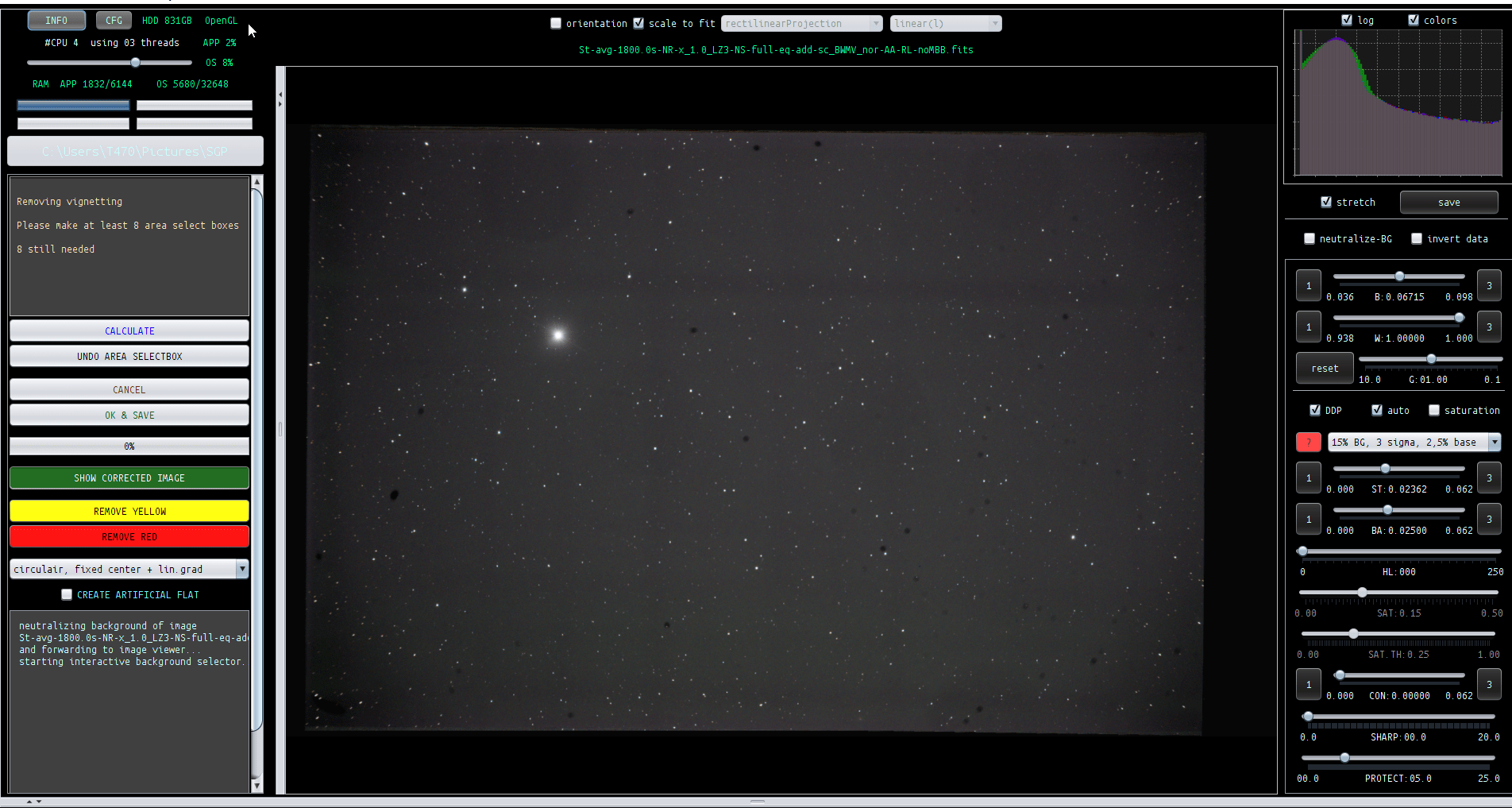
One last thing that is a mystery. When I run light pollution tool on the integrated image, I put like over 70 boxes and I say calculate and it detects some red boxes and I remove them and I run calculate again, and it detects new red boxes, and so for, to the point that I'm almost left with no boxes. Is this the way that is supposed to work?
Marking it solved. I figured it out
Marking it solved. I figured it out
Hi,
can you tell how you solved the problem? I also always get a weird result like in your example image above when I use the vignettig tool and do not know how to use it.
Pete
Hi Peter,
Sorry for the delay.
- The reason for not getting colors, I was using the wrong CFA pattern choice in Tab 0 after marking force CFA for my QHY8L (OSC)
- The reason for the weird vertical/horizonal pattern got resolved after fixing the above bullet.
- Then, I changed the sequence and skipped vignetting all together. I cropped the image in tools (Batch modify), and then I jump straight to Light pollution (which takes care of the background calibration too), and that make my image look very good.
- Regarding my last point on red boxes, I watched some videos and it is normal, I just need to keep removing red boxes, running multiple calculates, and tweaking the boxes for different positions and sizes until I'm happy with the result, and then save it even if there is still red box in the final iteration.
Best,
Hi Peter,
Here is one more piece of information about vignetting. After doing some research in the forum, I found that the vignetting tool will not work if I had previously applied flats, which I did. So, it is really tool to use when you have not applied flats.
Best,
Miquel
