
2026-10-09 APP 2.0.0-beta48 has been released !
This is mainly a bug fix release for the reported bugs in beta47. In addition it has a significant User Interface performance improvement noticable when you need to process 1000s of images in APP.
2026-10-03 APP 2.0.0-beta47 has been released !
This is a very big release... many code optimizations/rewrites, many parts of APP are much faster and more precise, especially star analysis and registration are much faster ! Big mosaics will go much faster 🙂
And we introduce a new preview filter, which includes the new Adaptive Deep Sky Stretch and a General Levels Stretch, this has been long over due. The old preview filter (the panel on the right side to stretch and preview your data) has not been updated for a couple of years and it is a critical part of any APP session.
Adaptive Deep Sky Stretch or ADSS is a much more intuitive stretch algorithm. It is also color preserving (which is a great new addition in itself ! ) which means that the highlights are no longer bleached, color is maintained from the linear data while stretching. You can simply stretch your data using the sky background level and signal width sliders which work much easier and more intuitive. You no longer need to fiddle with the old complicated sliders with zoom buttons. All the zoom buttons for the sliders are made redundant. And you can enter slider values in the slider value fields yourself. I will make a youtube video in the coming days to explain and fully introduce ADSS. Once the video is ready, it will be highlighted on the forum.
RGB Combine upgrade !. The RGB Combine Tool has been rewritten mostly. The tool is faster and easier to use and most importantly, the Luminance slider to inject a luminance channel or channels into the RGB composite is now working correctly. It no longer bleaches the RGB colors. Combined with the new ADSS preview, you will get much better and easier great composites with great color! I will also explain this in a new youtube video.
Celestron 8" Newtonian
Celestron AVX
Image cam : QHY163M
Guşde Cam: ZWO ASI 120MM
Guide scope : SvBony 30/120
Lights: 5x300sec Luminance, 5x600sec R, 5x600sec Green, 5x600sec Blue, 15x150sec Luminance, 15x300sec Red, 15x300sec Green, 15x300sec Blue
Darks: 10x600sec., 10x150sec., 20x300sec
Dark flats: 20 Luminance, 20 Red, 20 Green, 20 Blue
Flats : 20 Luminance, 20 Red, 20 Green, 20 Blue
Sensör temp -15 santigrad C

Very nice, maybe a little dark in the background?
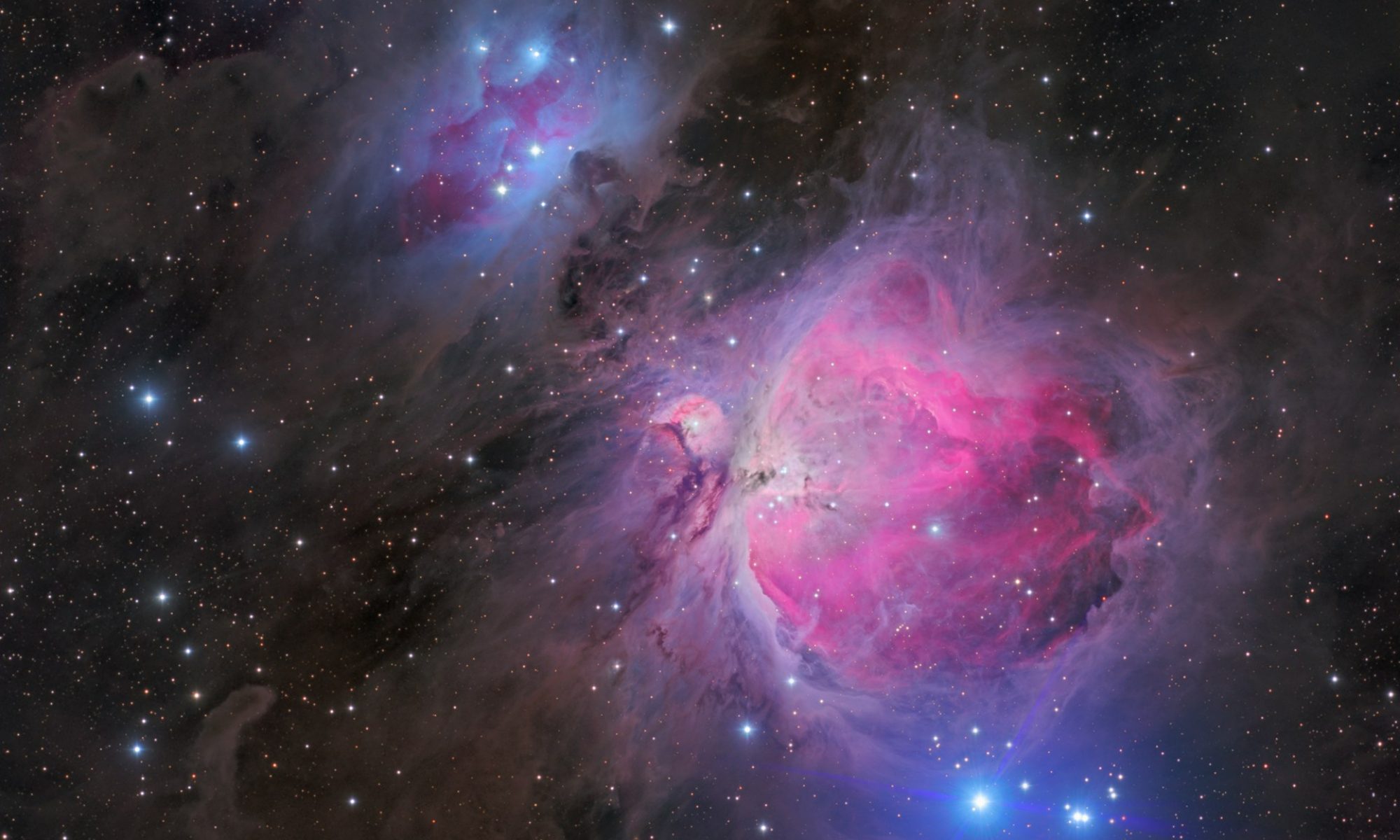
@volkanovun NICE color, would you like to know how to remove that large flare on all your bright stars caused by your Newtonian? let me know...
good job!
@rcfmitch I say YES! 🤣
Since my C8" is not an astrograph, that large flare kills me.
It's not because of collimation I use OCAL electronic collimator; it is not coma I have Baader coma corrector and stars on the corner are not defected. Astronomers, who around me says it's because of the tube.
APP's star remover makes the flare smaller, but star remover has still a serious problem. When I reduce stars, since reduced stars aren't properly disappeared background looks blurry. Look at my wizard nebula and see how the background looks terrible, but bright star flare reduced as well. @Mabula-Admin should solve star reducer problem and improve it as soon as possibly.

So, if you tell me how to remove these flare I'll be thankful. Additionaly, if you know better way using the star remover, I'd like to know that as well.
Id be glad to help, it took me and the Author of the Book ' how to collimate your Newtonian' Mr Menard about a week to solve it.
there's a long post on cloudynights of our work to solve this ( took us a week) , so either i find it again, or i help you directly.
contact me directly. rcfmitch at gmail dot com.
The answer was so silly !!! but you will need to recollimated after the fix...
chow.
